
Meshy
AI3D GenerationText and image to 3D model generation
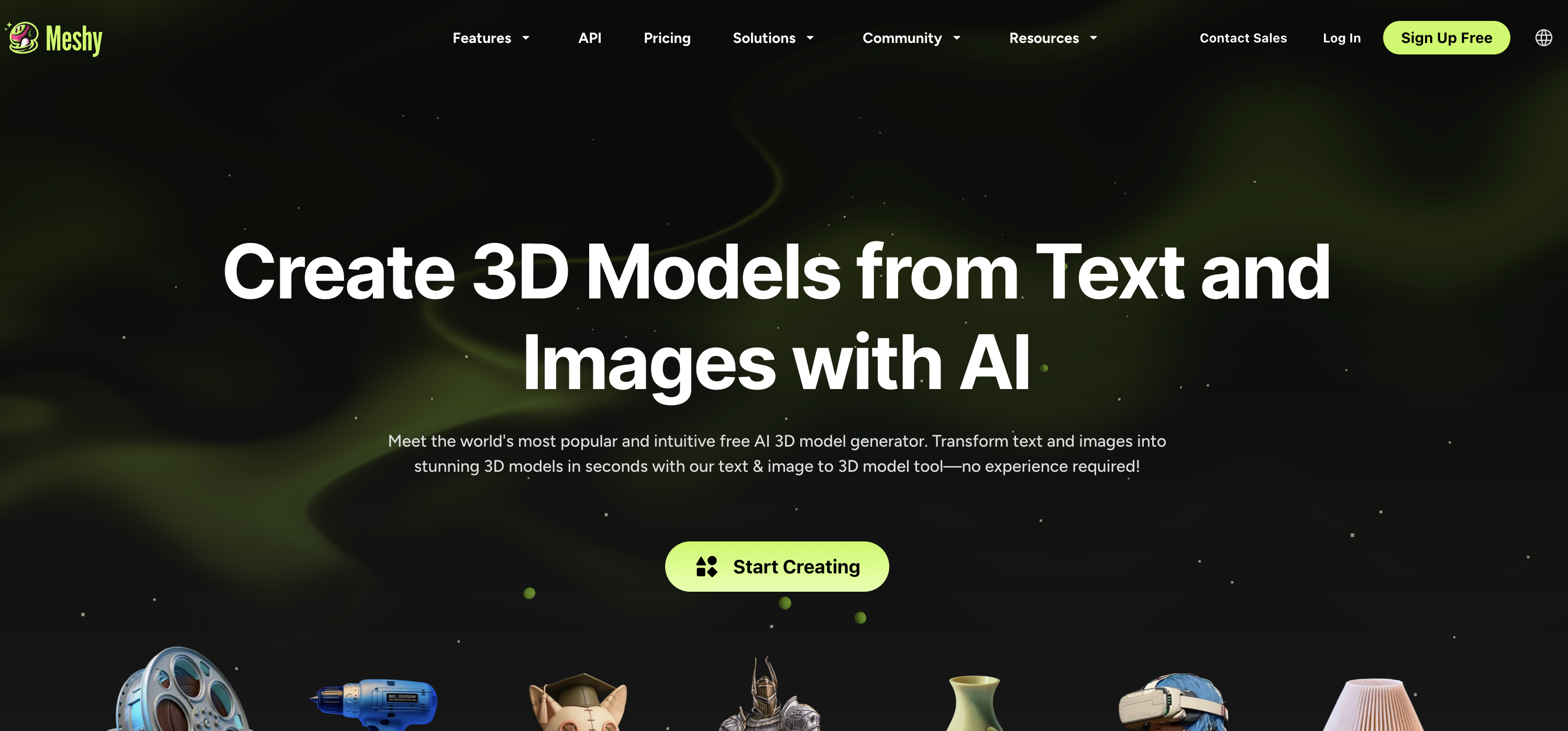
What is Meshy?
Text and image to 3D model generation
AI 3D model generator for creators
Key strengths
- Fast generation
- Multiple formats
- API
Common use cases
Limitations to know
Quality varies
At a glance
- Category
- 3D Generation
- Best for
- Architect, Designer, Developer
- Project phase
- Concept, Schematic
- Typology
- All typologies
- Pricing
- Contact for pricing
Frequently asked questions about Meshy
What is Meshy?
Text and image to 3D model generation Meshy is a 3D Generation tool reviewed on AEC Hub.
Who is Meshy for?
Meshy is best suited for architect, designer, developer working in the concept and schematic phases.
How much does Meshy cost?
Meshy does not publish pricing, contact the vendor for a quote. Check their website for current plans and trials.
What are the key strengths of Meshy?
Fast generation. Multiple formats. API.
What are alternatives to Meshy?
Top-rated 3D Generation alternatives reviewed on AEC Hub include Tripo3D, Arcalogix AI, ImageToSTL.
Free AI strategy session for your firm
A 30-minute working session: your workflows, the right tools, and quick wins you can start this month. Free, no obligation.
More 3D Generation tools
Tripo3D
AI-powered text/image to 3D model generation
View detailsArcalogix AI
Arcalogix AI generates 3D models off 2D floor plans instantly to visualize space and expedite the leasing process.
View detailsImageToSTL
A browser tool for makers and 3D printing that generates a textured 3D model from one photo, or from front, back, left, and right photos, and exports it as GLB, OBJ, STL, or PLY. A separate free relief tool maps image brightness to height for lithophanes and embossed plates and runs entirely in the browser with no upload. In an AEC office its use is narrow: a quick physical study model, a printed massing of a product or site object from a photograph, or a mockup for a presentation. It is not a scan-to-BIM or measurement tool.
View details