ImageToSTL
AI3D GenerationTurns a photo into a textured, printable 3D model, with free browser format converters
What is ImageToSTL?
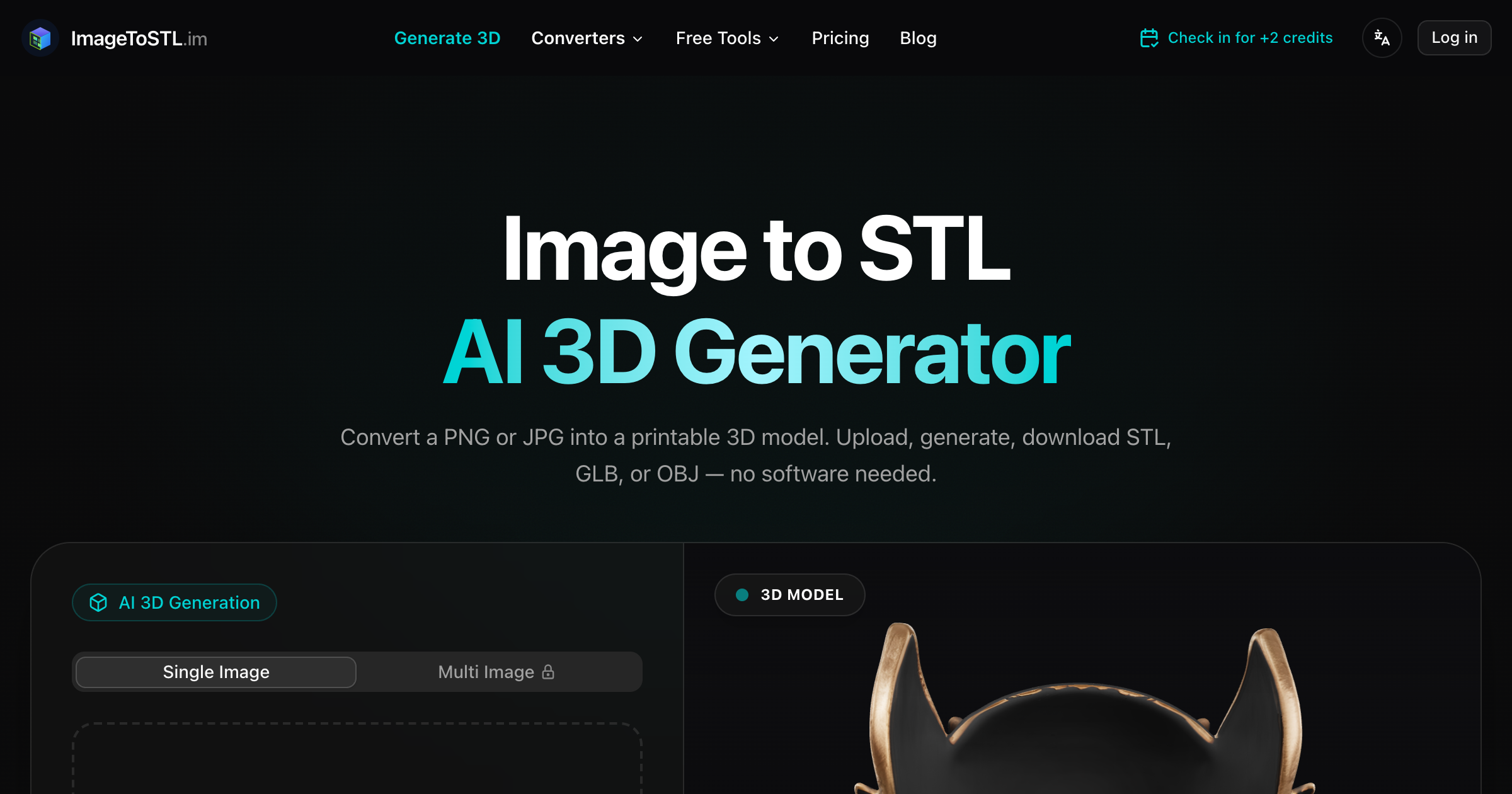
A browser tool for makers and 3D printing that generates a textured 3D model from one photo, or from front, back, left, and right photos, and exports it as GLB, OBJ, STL, or PLY. A separate free relief tool maps image brightness to height for lithophanes and embossed plates and runs entirely in the browser with no upload. In an AEC office its use is narrow: a quick physical study model, a printed massing of a product or site object from a photograph, or a mockup for a presentation. It is not a scan-to-BIM or measurement tool.
Record written 2026-10-07 from the vendor's submission and site. No company name, country, or founding date is published on the site.
Key strengths
- Generates a textured 3D model with PBR materials from a single PNG, JPG, JPEG, or WebP photo, or from four views for better accuracy
- exports GLB, OBJ, STL, and PLY
- the image relief tool converts brightness to a printable surface at 64, 128, or 256 resolution with adjustable depth and runs locally in the browser without uploading the image
- free local converters cover 3MF to STL, GLB to OBJ, GLB to STL, OBJ to STL, STL to OBJ, STL to PLY, OBJ to PLY, and PLY to STL
- the site names Bambu Studio, Cura, Blender, and PrusaSlicer as the next step for printing
Common use cases
Limitations to know
This is a maker and 3D printing tool, and its AEC use is limited to physical study models and presentation mockups. A model generated from a photo has no verified dimensions, so it cannot replace a survey, a scan, or a measured model, and there is no IFC, DWG, or Revit output. The site shows logos of large technology companies as users without any case study, and it publishes no company name, location, or registration. The submission came by email from the team rather than a named person. AEC Hub has not tested the product.
At a glance
- Category
- 3D Generation
- Best for
- Designer, Architect, Interior Designer, Student
- Project phase
- Concept
- Typology
- All typologies
- Pricing
- Free accounts get 2 welcome credits (one Basic generation) plus daily check-in credits and all the local browser tools, Pro is $19.90 per month for 600 credits with the faster Pro and Ultra models, and Professional is $29.90 per month for 1,000 credits with priority support and longer model retention. Yearly billing is listed as saving over 20%, credit packs are sold without published prices, and the homepage states a 30-day money-back guarantee.
- Integrations
- Accepts PNG, JPG, JPEG, and WebP images and exports GLB, OBJ, STL, and PLY for slicers such as Bambu Studio, Cura, and PrusaSlicer or for Blender. No CAD or BIM formats are supported.
Frequently asked questions about ImageToSTL
What is ImageToSTL?
A browser tool for makers and 3D printing that generates a textured 3D model from one photo, or from front, back, left, and right photos, and exports it as GLB, OBJ, STL, or PLY. A separate free relief tool maps image brightness to height for lithophanes and embossed plates and runs entirely in the browser with no upload. In an AEC office its use is narrow: a quick physical study model, a printed massing of a product or site object from a photograph, or a mockup for a presentation. It is not a scan-to-BIM or measurement tool. ImageToSTL is a 3D Generation tool reviewed on AEC Hub.
Who is ImageToSTL for?
ImageToSTL is best suited for designer, architect, interior designer, student working in the concept phase.
How much does ImageToSTL cost?
ImageToSTL pricing: Free accounts get 2 welcome credits (one Basic generation) plus daily check-in credits and all the local browser tools, Pro is $19.90 per month for 600 credits with the faster Pro and Ultra models, and Professional is $29.90 per month for 1,000 credits with priority support and longer model retention. Yearly billing is listed as saving over 20%, credit packs are sold without published prices, and the homepage states a 30-day money-back guarantee.. Check the vendor's website for current details.
What are the key strengths of ImageToSTL?
Generates a textured 3D model with PBR materials from a single PNG, JPG, JPEG, or WebP photo, or from four views for better accuracy. exports GLB, OBJ, STL, and PLY. the image relief tool converts brightness to a printable surface at 64, 128, or 256 resolution with adjustable depth and runs locally in the browser without uploading the image. free local converters cover 3MF to STL, GLB to OBJ, GLB to STL, OBJ to STL, STL to OBJ, STL to PLY, OBJ to PLY, and PLY to STL. the site names Bambu Studio, Cura, Blender, and PrusaSlicer as the next step for printing.
What are alternatives to ImageToSTL?
Top-rated 3D Generation alternatives reviewed on AEC Hub include Tripo3D, Meshy, Arcalogix AI.
Free AI strategy session for your firm
A 30-minute working session: your workflows, the right tools, and quick wins you can start this month. Free, no obligation.