
xFigura
AIAI/MLMulti-model AI canvas for architects, with 90+ image, video, and 3D models
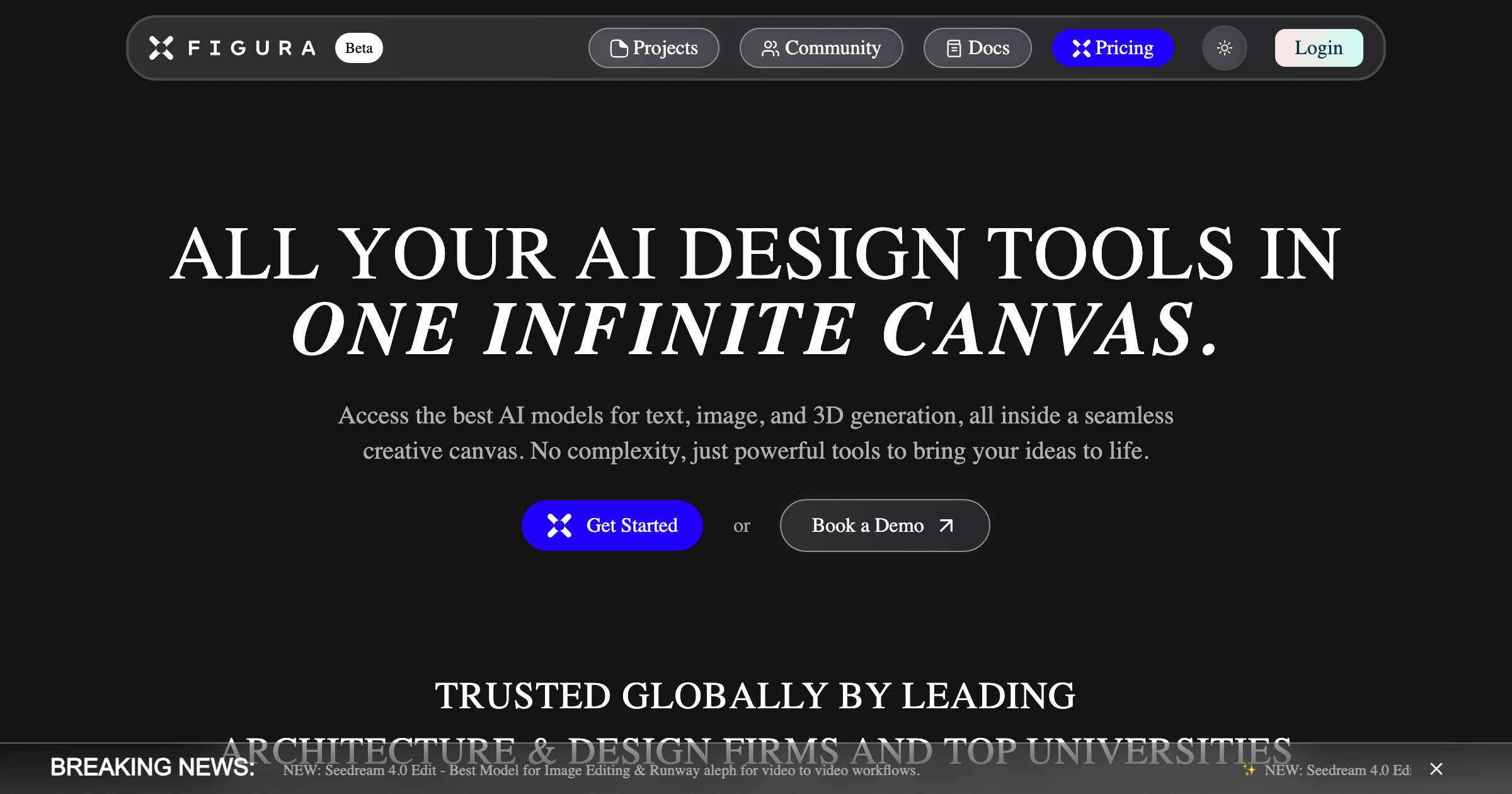
What is xFigura?
A shared canvas where architects move from mood image to massing to photoreal views, run a hand sketch through to a built corner, and grow one module into a facade. It puts more than 90 third-party models behind one subscription, with 50 image models, 15 video models, and 10 3D models, plus an agentic chat that reads what is on the canvas, plans views, and pins results back to it. Imports images, views, and 3D models from the tools a studio already uses.
Record updated 2026-09-16 from the vendor site. Positions as a canvas rather than a renderer, and the practice logos are unusually strong for this category, with a named quote from Patrik Schumacher at Zaha Hadid Architects. Vendor-reported figures of 500,000 generations a month, $1 million saved on visualization at one practice in six months, and 75 percent faster concept iteration are not independently verified.
Key strengths
- More than 90 models in one subscription, covering 50 image, 15 video, and 10 3D engines including Nano Banana, GPT Image, Flux, Kling, Sora, Runway, Meshy, and Tripo3D
- an agentic chat that reads the canvas, extracts palette and depth, plans multiple views, and pins each result back
- commenting and annotation on images, video, and 3D so a team reviews in one place
- imports images, views, and 3D models from existing tools
- adopted at OMA, Zaha Hadid Architects, KPF, BIG, Snohetta, Herzog and de Meuron, and Studio Gang, with published case studies from ZHA, KPF, and BIG
Common use cases
Limitations to know
A concept and visualization surface, not a modeling or documentation tool, so nothing it produces is measured geometry or a construction document. Credits meter everything and a video or 3D generation costs several times an image, so the 400 credits on Starter go quickly at video resolution. The commercial licence differs by tier: Starter is personal use only, and a royalty-free commercial licence appears only on Enterprise, which matters for client work. Security is described as SOC 2 aligned rather than SOC 2 certified, and no audit type, auditor, or report is published.
At a glance
- Category
- AI/ML
- Best for
- Architect, Designer, Student
- Project phase
- Feasibility, Concept, Schematic
- Typology
- All typologies
- Pricing
- Starter $16 per month with 400 credits; Professional $48 per month with 1,200 credits and unlimited canvases; Team and Enterprise quoted, with SSO, admin controls, and a royalty-free commercial licence on Enterprise
- Integrations
- Imports images, views, and 3D models from existing design tools. Enterprise adds SSO and SAML plus customized API access.
Frequently asked questions about xFigura
What is xFigura?
A shared canvas where architects move from mood image to massing to photoreal views, run a hand sketch through to a built corner, and grow one module into a facade. It puts more than 90 third-party models behind one subscription, with 50 image models, 15 video models, and 10 3D models, plus an agentic chat that reads what is on the canvas, plans views, and pins results back to it. Imports images, views, and 3D models from the tools a studio already uses. xFigura is an AI/ML tool reviewed on AEC Hub.
Who is xFigura for?
xFigura is best suited for architect, designer, student working in the feasibility and concept and schematic phases.
How much does xFigura cost?
xFigura pricing: Starter $16 per month with 400 credits; Professional $48 per month with 1,200 credits and unlimited canvases; Team and Enterprise quoted, with SSO, admin controls, and a royalty-free commercial licence on Enterprise. Check the vendor's website for current details.
What are the key strengths of xFigura?
More than 90 models in one subscription, covering 50 image, 15 video, and 10 3D engines including Nano Banana, GPT Image, Flux, Kling, Sora, Runway, Meshy, and Tripo3D. an agentic chat that reads the canvas, extracts palette and depth, plans multiple views, and pins each result back. commenting and annotation on images, video, and 3D so a team reviews in one place. imports images, views, and 3D models from existing tools. adopted at OMA, Zaha Hadid Architects, KPF, BIG, Snohetta, Herzog and de Meuron, and Studio Gang, with published case studies from ZHA, KPF, and BIG.
What are alternatives to xFigura?
Top-rated AI/ML alternatives reviewed on AEC Hub include Claude (Anthropic), ChatGPT (OpenAI), Google Gemini.
Free AI strategy session for your firm
A 30-minute working session: your workflows, the right tools, and quick wins you can start this month. Free, no obligation.