Vivid Render
AIVisualizationVendor-confirmedAI rendering workspace that turns SketchUp views into presentation-ready interior renders
The company confirmed the details on this page on July 22, 2026.
What is Vivid Render?
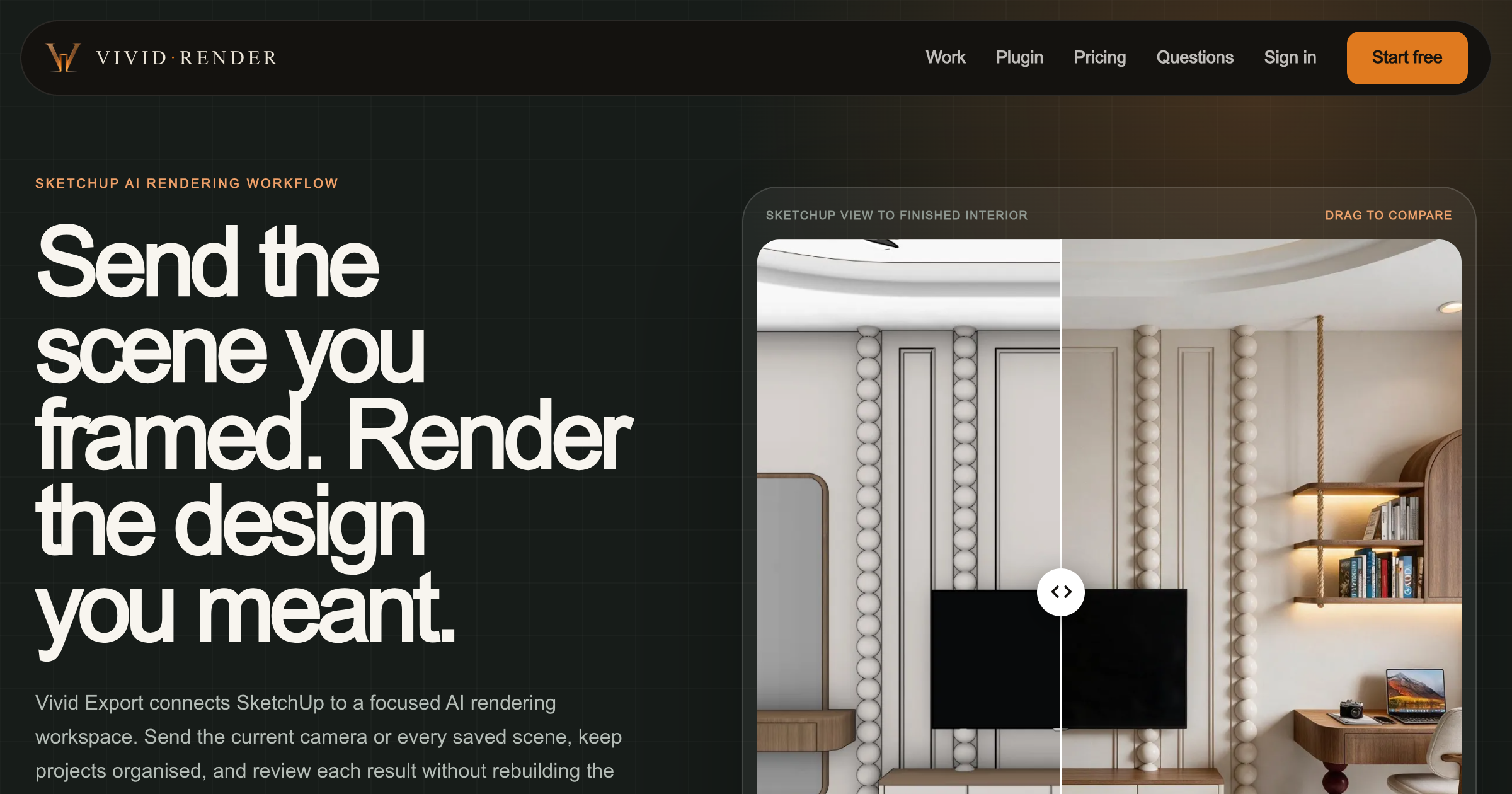
Vivid Render is an AI rendering workspace for architects and interior designers. The Vivid Export plugin sends SketchUp desktop views into a browser project workspace for guided interior rendering, source comparison, focused revisions, and presentation-ready 2K delivery.
Interior rendering is the current focus; exterior rendering is on the roadmap.
Key strengths
- SketchUp plugin exports desktop views directly into browser workspace
- Source comparison and focused revisions preserve design intent
- Presentation-ready 2K delivery
Common use cases
At a glance
- Category
- Visualization
- Best for
- Architect, Interior Designer
- Project phase
- Concept, Schematic, DD
- Typology
- Residential, Commercial/Office, Retail, All typologies
- Pricing
- Free trial (3 starter renders); paid tiers for additional renders
Frequently asked questions about Vivid Render
What is Vivid Render?
Vivid Render is an AI rendering workspace for architects and interior designers. The Vivid Export plugin sends SketchUp desktop views into a browser project workspace for guided interior rendering, source comparison, focused revisions, and presentation-ready 2K delivery. Vivid Render is a Visualization tool reviewed on AEC Hub.
Who is Vivid Render for?
Vivid Render is best suited for architect, interior designer working in the concept and schematic and dd phases, particularly on residential, commercial/office, retail, all typologies projects.
How much does Vivid Render cost?
Vivid Render pricing: Free trial (3 starter renders); paid tiers for additional renders. Check the vendor's website for current details.
What are the key strengths of Vivid Render?
SketchUp plugin exports desktop views directly into browser workspace. Source comparison and focused revisions preserve design intent. Presentation-ready 2K delivery.
What are alternatives to Vivid Render?
Top-rated Visualization alternatives reviewed on AEC Hub include Enscape, D5 Render, Canva.
Free AI strategy session for your firm
A 30-minute working session: your workflows, the right tools, and quick wins you can start this month. Free, no obligation.