Syntina AI
AIVisualizationBrowser rendering studio with several image and video models behind one credit balance
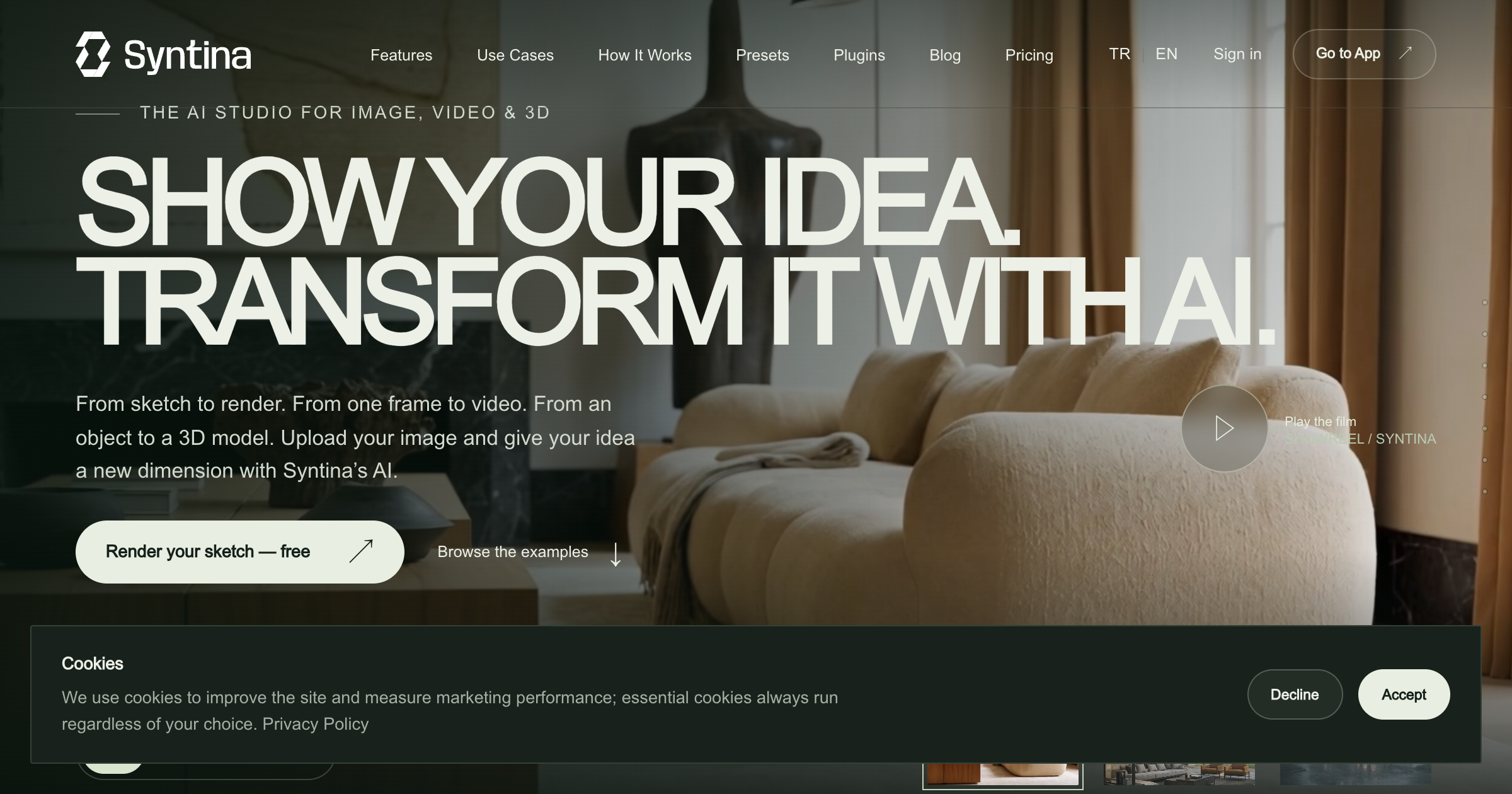
What is Syntina AI?
A browser-based rendering workspace for architects and interior designers. You upload a sketch, a viewport capture from SketchUp, Blender, or 3ds Max, or a 2D floor plan, pick a preset, and get a photoreal render, a furnished top-down plan, a material swap, a relight, or an exploded diagram. Image models from OpenAI, Google, Black Forest Labs, ByteDance, and others sit in one workspace, with image-to-video models and 360 virtual tours alongside. Plugins for SketchUp, Blender, and 3ds Max send the active view straight to the service, and every generation draws from a monthly credit balance.
Record written 2026-10-07 from the vendor's submission and site. Syntina AI is based in Istanbul and prices in USD excluding VAT. The site offers Turkish and English language versions.
Key strengths
- One workspace offers five text-to-image models (GPT Image 2, Nano Banana Pro, FLUX 2 Flex, WAN 2.6, Grok Imagine), fifteen image-to-image models including Seedream 4.5 Edit, Magnific Precision v2, and Topaz Upscale, and ten image-to-video models including Veo 3.1 and Kling 3.0 Pro
- presets handle render, furnished top-down plan, material swap, day-to-night relight, section, and exploded axonometric outputs without prompt writing
- the SketchUp plugin is a single .rbz install for SketchUp Pro 2023 and later on Windows and macOS, with add-ons for Blender and 3ds Max that send the viewport, a reference, and a brief without an export round trip
- motion presets produce drone, orbit, and time-lapse clips from a rendered frame
- 360 panorama virtual tours are included per plan, from 5 on Starter to unlimited on Studio
- Hunyuan 3.1 Pro generates textured 3D models from product images
Common use cases
Limitations to know
The submission calls the plugins free, and the plugin download appears to be free, but the plugins page points to a free trial and paid plans and every generation spends credits, so plugin use is not free in practice. Credit costs per model are published only for a few examples on the pricing page, and the AI models page does not list them. The models are third-party services, so output quality and availability depend on those providers. The site is in Istanbul and shows a render counter of about 50,000 but publishes no company registration, founding date, or team. AEC Hub has not tested the product.
At a glance
- Category
- Visualization
- Best for
- Architect, Interior Designer, Designer, Visualization Artist, Student
- Project phase
- Concept, Schematic, DD
- Typology
- All typologies
- Pricing
- Free gives 100 welcome credits with no card, then Starter is $19 per month for 1,500 credits and 5 virtual tours, Pro $45 for 4,000 credits, Business $99 for 10,000 credits and 5 seats, Studio $199 for 20,000 credits and 10 seats, Studio+ $399 for 45,000 credits, and Enterprise is custom with API access. A standard 1K image on Nano Banana 2 costs 16 credits, a Nano Banana Pro image 30 credits (60 at 4K), and a 5-second Kling video 70 credits, with two months free on annual billing.
- Integrations
- Plugins for SketchUp Pro 2023 and later, Blender, and 3ds Max send the active viewport to the service, and the browser accepts image uploads. Output is images, video clips, 360 tours, and textured 3D models, with an API offered on the Enterprise plan.
Frequently asked questions about Syntina AI
What is Syntina AI?
A browser-based rendering workspace for architects and interior designers. You upload a sketch, a viewport capture from SketchUp, Blender, or 3ds Max, or a 2D floor plan, pick a preset, and get a photoreal render, a furnished top-down plan, a material swap, a relight, or an exploded diagram. Image models from OpenAI, Google, Black Forest Labs, ByteDance, and others sit in one workspace, with image-to-video models and 360 virtual tours alongside. Plugins for SketchUp, Blender, and 3ds Max send the active view straight to the service, and every generation draws from a monthly credit balance. Syntina AI is a Visualization tool reviewed on AEC Hub.
Who is Syntina AI for?
Syntina AI is best suited for architect, interior designer, designer, visualization artist, student working in the concept and schematic and dd phases.
How much does Syntina AI cost?
Syntina AI pricing: Free gives 100 welcome credits with no card, then Starter is $19 per month for 1,500 credits and 5 virtual tours, Pro $45 for 4,000 credits, Business $99 for 10,000 credits and 5 seats, Studio $199 for 20,000 credits and 10 seats, Studio+ $399 for 45,000 credits, and Enterprise is custom with API access. A standard 1K image on Nano Banana 2 costs 16 credits, a Nano Banana Pro image 30 credits (60 at 4K), and a 5-second Kling video 70 credits, with two months free on annual billing.. Check the vendor's website for current details.
What are the key strengths of Syntina AI?
One workspace offers five text-to-image models (GPT Image 2, Nano Banana Pro, FLUX 2 Flex, WAN 2.6, Grok Imagine), fifteen image-to-image models including Seedream 4.5 Edit, Magnific Precision v2, and Topaz Upscale, and ten image-to-video models including Veo 3.1 and Kling 3.0 Pro. presets handle render, furnished top-down plan, material swap, day-to-night relight, section, and exploded axonometric outputs without prompt writing. the SketchUp plugin is a single .rbz install for SketchUp Pro 2023 and later on Windows and macOS, with add-ons for Blender and 3ds Max that send the viewport, a reference, and a brief without an export round trip. motion presets produce drone, orbit, and time-lapse clips from a rendered frame. 360 panorama virtual tours are included per plan, from 5 on Starter to unlimited on Studio. Hunyuan 3.1 Pro generates textured 3D models from product images.
What are alternatives to Syntina AI?
Top-rated Visualization alternatives reviewed on AEC Hub include Enscape, D5 Render, Canva.
Free AI strategy session for your firm
A 30-minute working session: your workflows, the right tools, and quick wins you can start this month. Free, no obligation.