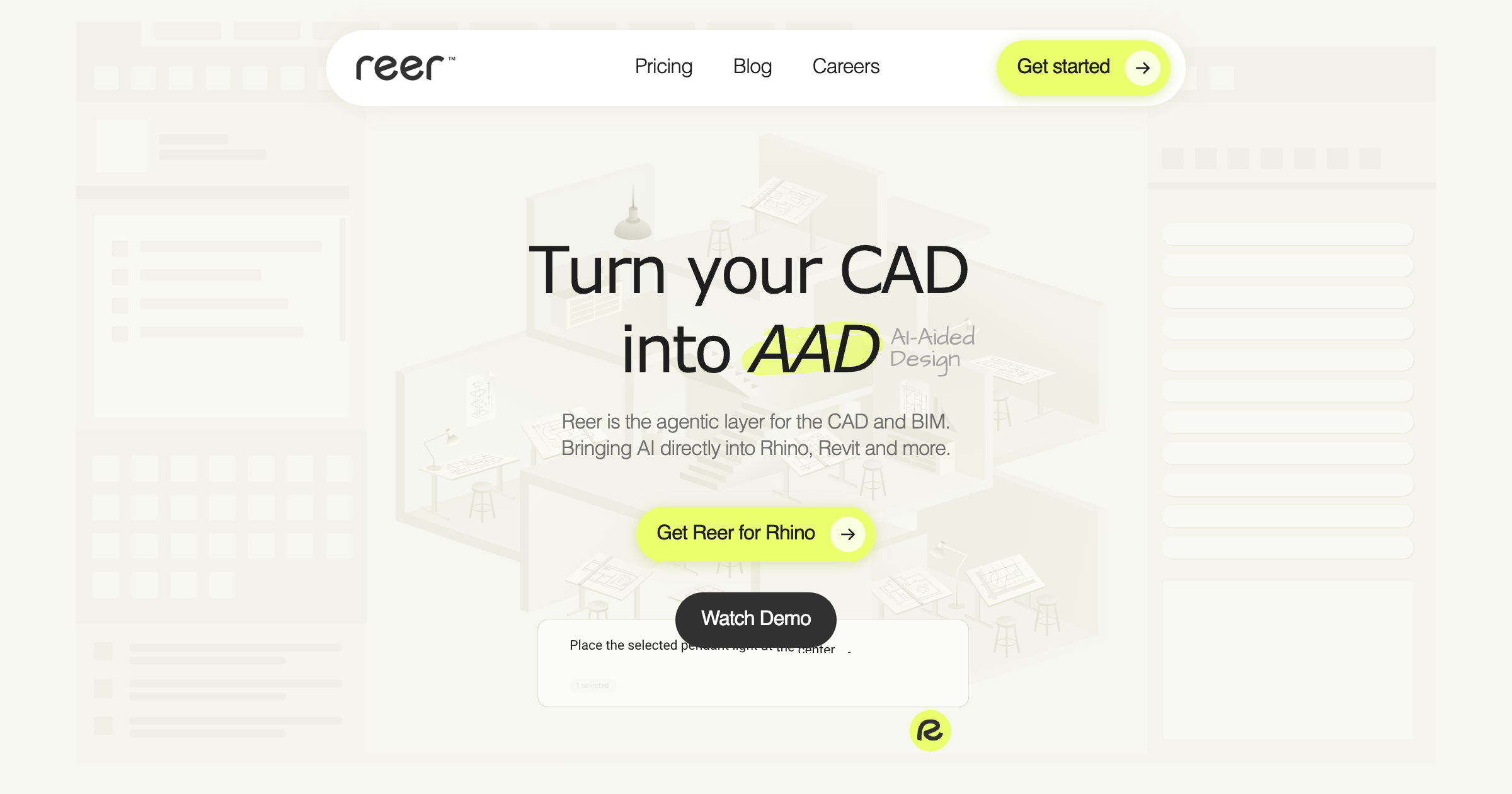
What is Reer?
An AI collaborator living natively inside Rhino (Revit next) that sees your scene and acts: batch edits, layer cleanup, sheets and more.
Founders ex-Autodesk R&D and Harvard GSD
Key strengths
- Agent sees and manipulates your actual CAD scene, not just chat
- Handles batch edits, calculations, layer organization and sheet production
- Files stay local, no uploads
Common use cases
Limitations to know
Rhino today; Revit support coming
At a glance
- Category
- BIM
- Best for
- Architect, Designer, BIM Manager
- Project phase
- Schematic Design, Design Development, Construction Docs
- Typology
- All typologies
- Pricing
- Free during beta
Frequently asked questions about Reer
What is Reer?
An AI collaborator living natively inside Rhino (Revit next) that sees your scene and acts: batch edits, layer cleanup, sheets and more. Reer is a BIM tool reviewed on AEC Hub.
Who is Reer for?
Reer is best suited for architect, designer, bim manager working in the schematic design and design development and construction docs phases.
How much does Reer cost?
Reer pricing: Free during beta. Check the vendor's website for current details.
What are the key strengths of Reer?
Agent sees and manipulates your actual CAD scene, not just chat. Handles batch edits, calculations, layer organization and sheet production. Files stay local, no uploads.
What are alternatives to Reer?
Top-rated BIM alternatives reviewed on AEC Hub include Autodesk, Revit, Solibri Office.
Free AI strategy session for your firm
A 30-minute working session: your workflows, the right tools, and quick wins you can start this month. Free, no obligation.