Pixly
AIVisualizationAI photo staging, floor plan renders, and listing videos for real estate marketing
What is Pixly?
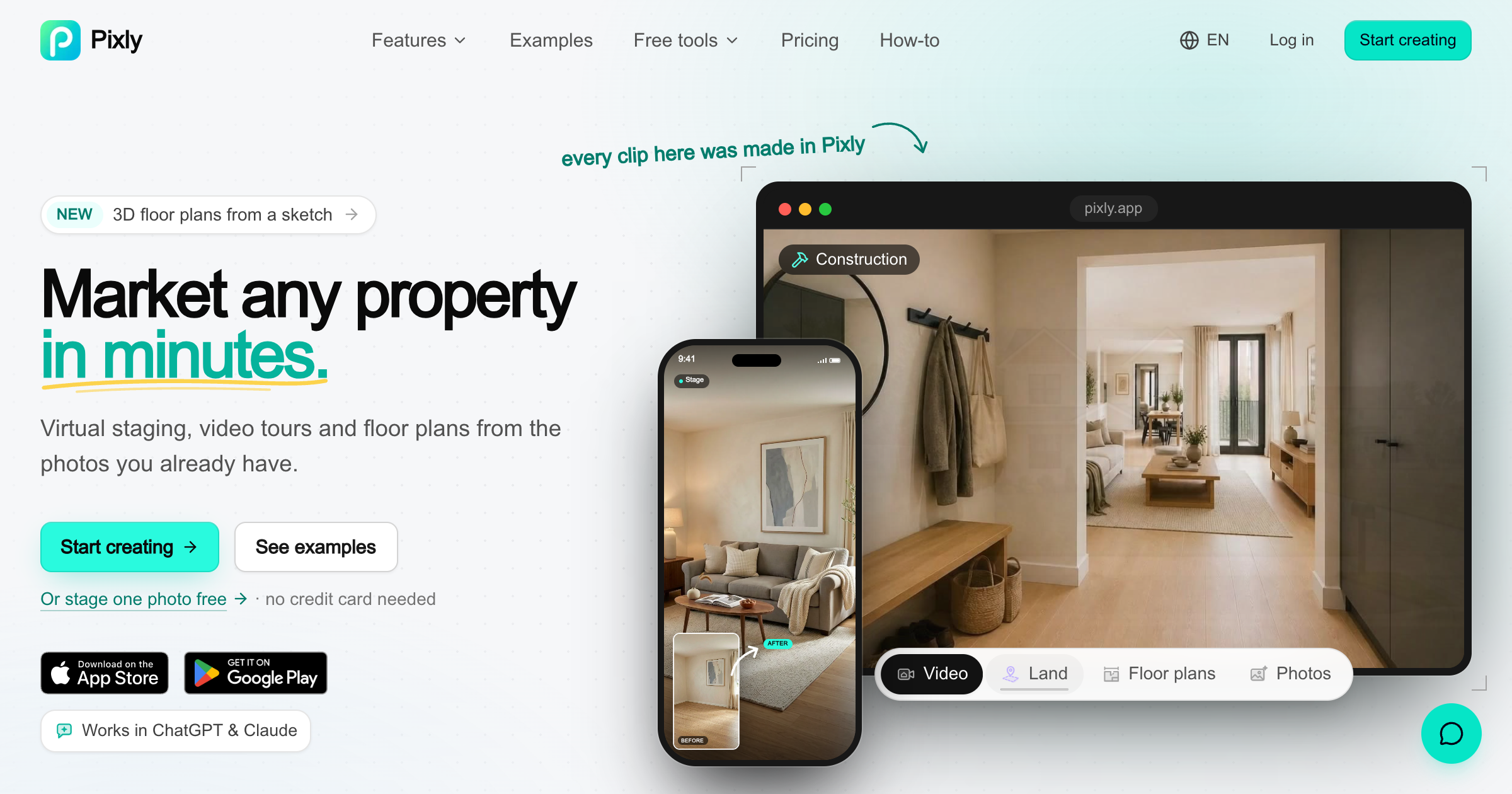
An AI marketing tool for real estate agents, brokers, and teams. You upload listing photos and it stages empty rooms in more than 60 styles, removes clutter and furniture, replaces skies and lawns, converts day to night, and upscales images. A floor plan render turns a sketch, brochure, or phone scan into a furnished plan or isometric 3D view, and the video tools stitch room photos into walkthroughs, staging reveals, and construction timelapses. Plans are priced in credits, where one credit buys one AI image.
Record written 2026-10-07 from the vendor site only, since no submission text survived. No company name, country, or founding date is published on the pages AEC Hub read.
Key strengths
- Virtual staging in more than 60 named styles from one photo
- furniture removal that rebuilds the floor and wall surfaces behind the removed items
- sky, lawn, driveway, and clutter fixes for exterior shots, plus day-to-night relighting
- floor plan render from a sketch, brochure page, or phone scan into a furnished plan or isometric 3D view
- walkthrough, staging reveal, and construction timelapse videos from still photos
- property line and lot marker tools on photos and drone footage
- web app, iOS and Android apps, and an API and MCP endpoint for agents
Common use cases
Limitations to know
Pixly is a real estate listing marketing product, not an AEC design or documentation tool, and the AEC use is narrow: a developer or builder marketing finished units, a construction timelapse for a sales page, or a quick furnished plan for a brochure. The floor plan output is a rendered picture rather than a measured drawing, and no DXF, DWG, or IFC export is published. Staged images are AI-generated furniture and finishes, so they show a possible look rather than what will be built. No free plan is published and the entry plan bills weekly. No company location or team is published, and AEC Hub has not tested the product.
At a glance
- Category
- Visualization
- Best for
- Marketing, Developer, Interior Designer, Homeowner
- Project phase
- Operations, Construction
- Typology
- Residential, Multifamily
- Pricing
- Starter is $5.99/wk for 20 credits, Agent is $19.99/mo for 100 credits, Pro Agent is $49.99/mo for 300 credits, and Team is $149.99/mo for 1,000 credits. One AI photo costs 1 credit, a reel starts at 5 credits, and a 3D world starts at 15 credits, with no free plan published.
- Integrations
- Imports photos, sketches, brochure scans, and iPhone room scans. Exports images and videos sized for Instagram and TikTok, and offers an API and MCP endpoint plus iOS and Android apps.
Frequently asked questions about Pixly
What is Pixly?
An AI marketing tool for real estate agents, brokers, and teams. You upload listing photos and it stages empty rooms in more than 60 styles, removes clutter and furniture, replaces skies and lawns, converts day to night, and upscales images. A floor plan render turns a sketch, brochure, or phone scan into a furnished plan or isometric 3D view, and the video tools stitch room photos into walkthroughs, staging reveals, and construction timelapses. Plans are priced in credits, where one credit buys one AI image. Pixly is a Visualization tool reviewed on AEC Hub.
Who is Pixly for?
Pixly is best suited for marketing, developer, interior designer, homeowner working in the operations and construction phases, particularly on residential, multifamily projects.
How much does Pixly cost?
Pixly pricing: Starter is $5.99/wk for 20 credits, Agent is $19.99/mo for 100 credits, Pro Agent is $49.99/mo for 300 credits, and Team is $149.99/mo for 1,000 credits. One AI photo costs 1 credit, a reel starts at 5 credits, and a 3D world starts at 15 credits, with no free plan published.. Check the vendor's website for current details.
What are the key strengths of Pixly?
Virtual staging in more than 60 named styles from one photo. furniture removal that rebuilds the floor and wall surfaces behind the removed items. sky, lawn, driveway, and clutter fixes for exterior shots, plus day-to-night relighting. floor plan render from a sketch, brochure page, or phone scan into a furnished plan or isometric 3D view. walkthrough, staging reveal, and construction timelapse videos from still photos. property line and lot marker tools on photos and drone footage. web app, iOS and Android apps, and an API and MCP endpoint for agents.
What are alternatives to Pixly?
Top-rated Visualization alternatives reviewed on AEC Hub include Enscape, D5 Render, Canva.
Free AI strategy session for your firm
A 30-minute working session: your workflows, the right tools, and quick wins you can start this month. Free, no obligation.