Obra
AIFinanceEstimates, job costing and invoices for small contractors
Screenshots
What is Obra?
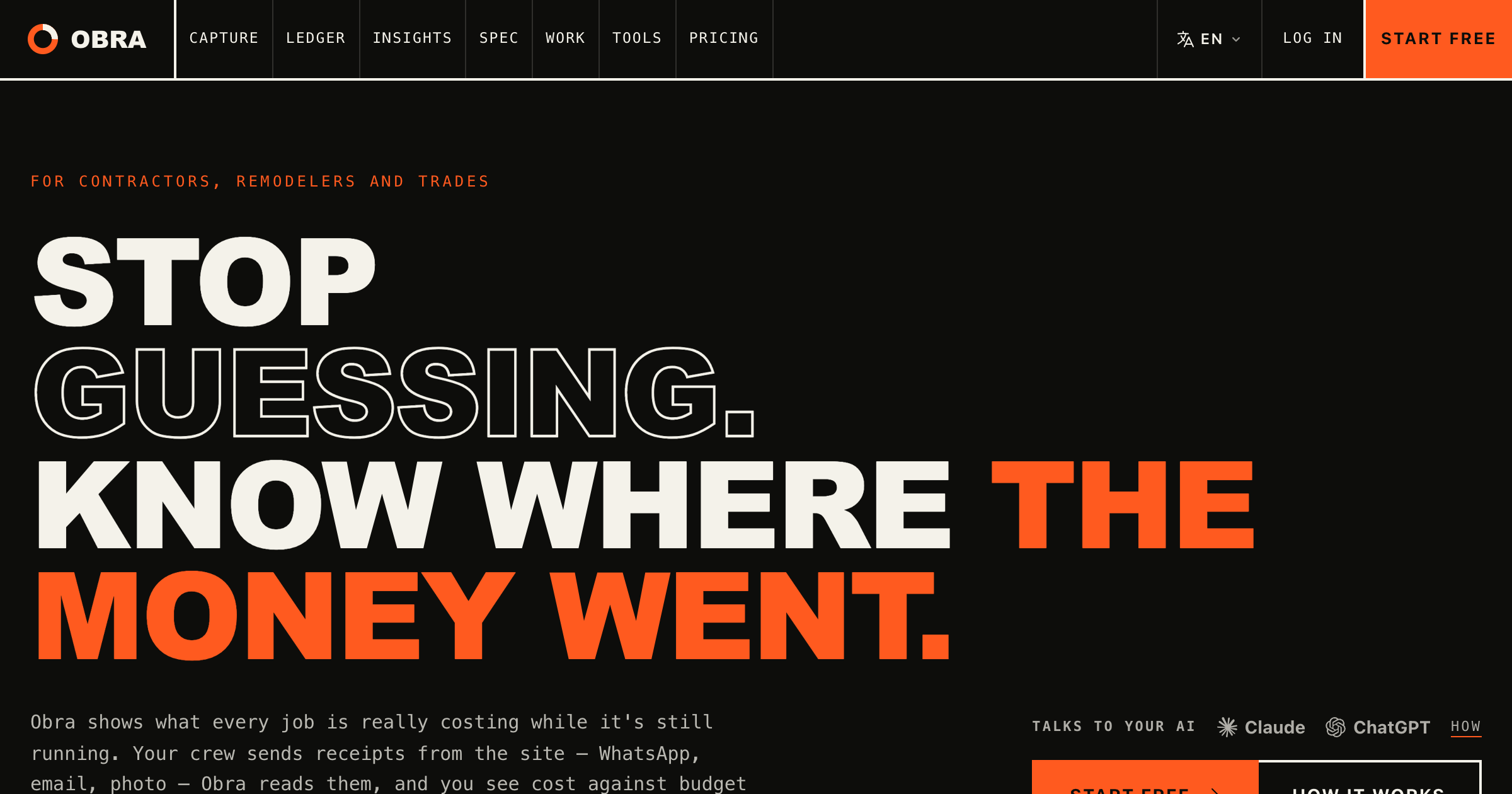
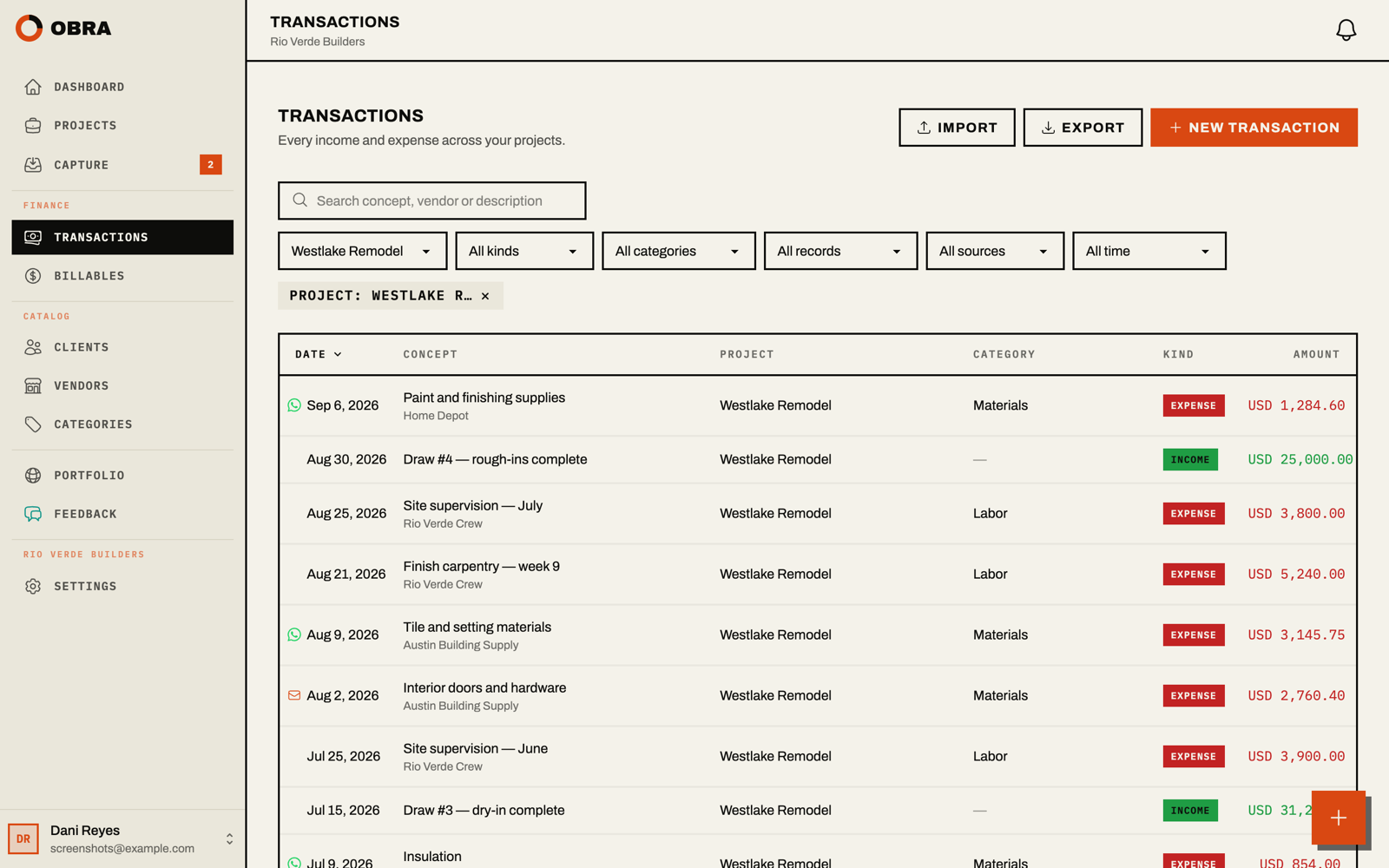
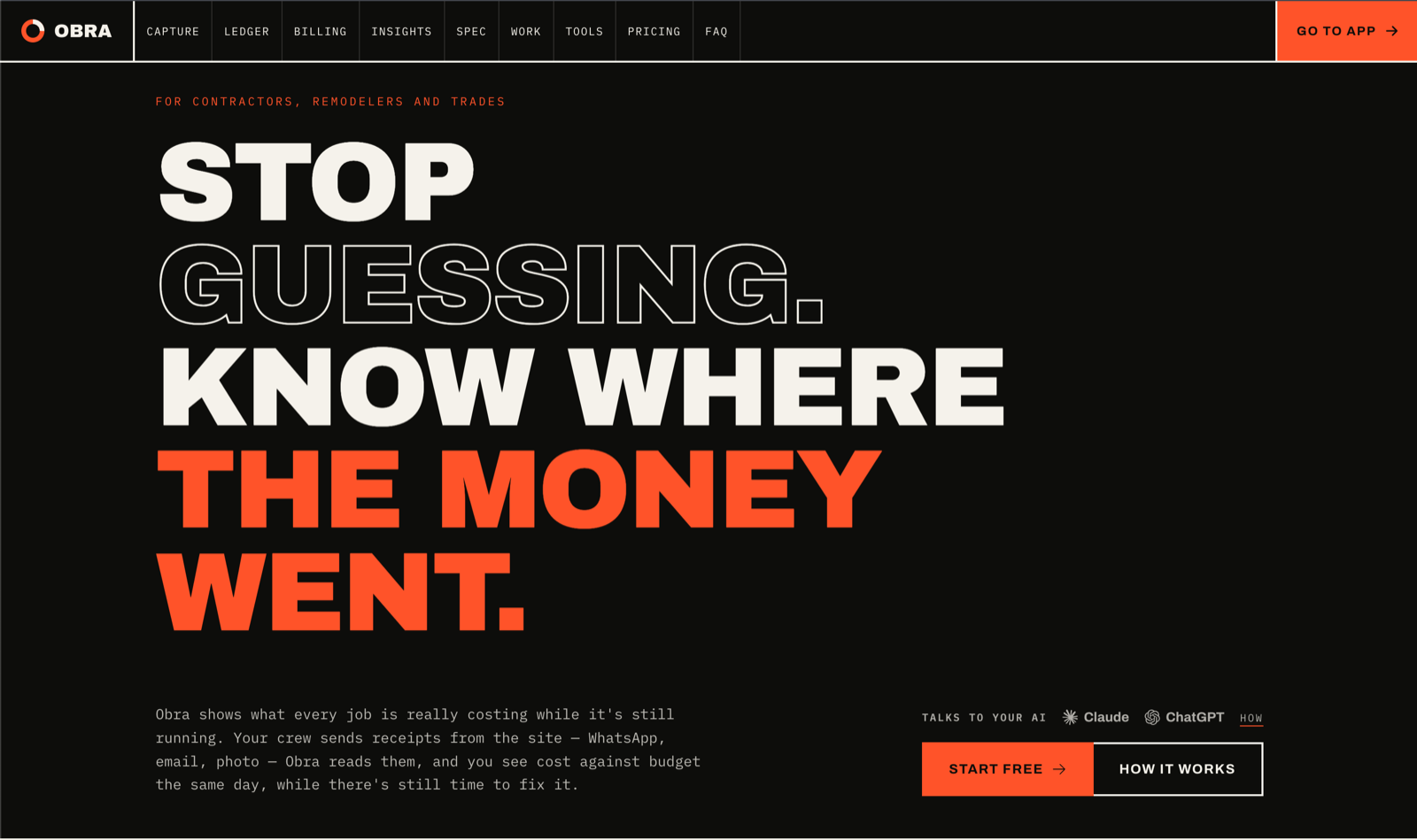
Job costing for small contractors, from the estimate to the final payment. Estimates are priced from the business's own costs and accepted by the client from a private link, which sets the job's contract and budget. Receipts arrive by WhatsApp, email or photo and wait for a person to confirm them before they count. Invoices bill from the accepted estimate, open charges, or a deposit or progress draw, and each payment is recorded against its invoice. In English and Spanish.
Made by My Tiny Rocket LLC. Support: support@tryobra.com
Key strengths
- Estimates are priced from the business's own price book and past job costs, with any AI-suggested price labeled as a reference, and the accepted estimate becomes the job's contract and budget
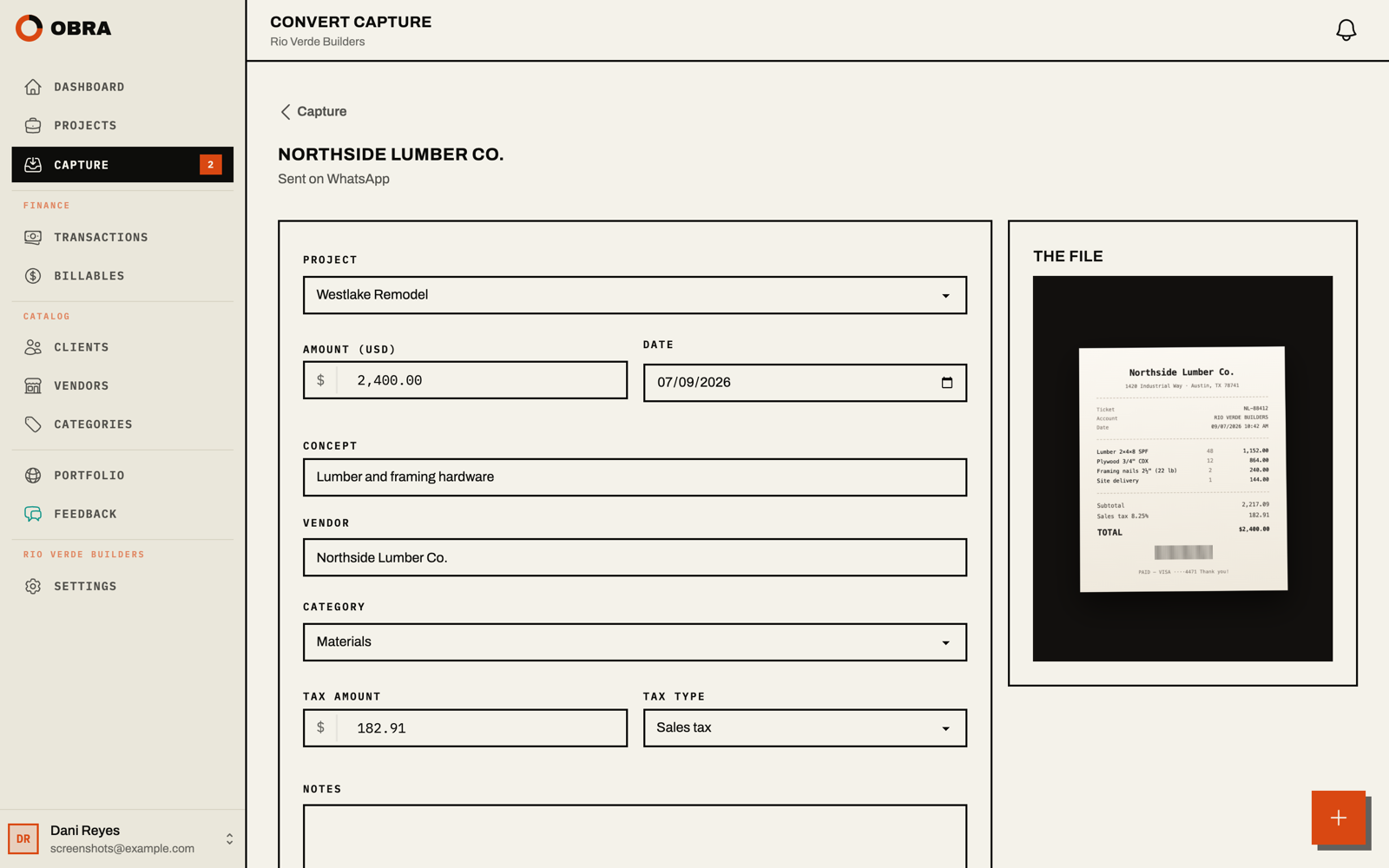
- Receipts go in by WhatsApp, email or photo, are read automatically, and wait for a person to confirm them, so the job cost holds up
- Invoices bill from the accepted estimate, open charges, or a deposit or progress draw. Payments are recorded against each invoice, and overdue ones show on the dashboard and in a Monday email
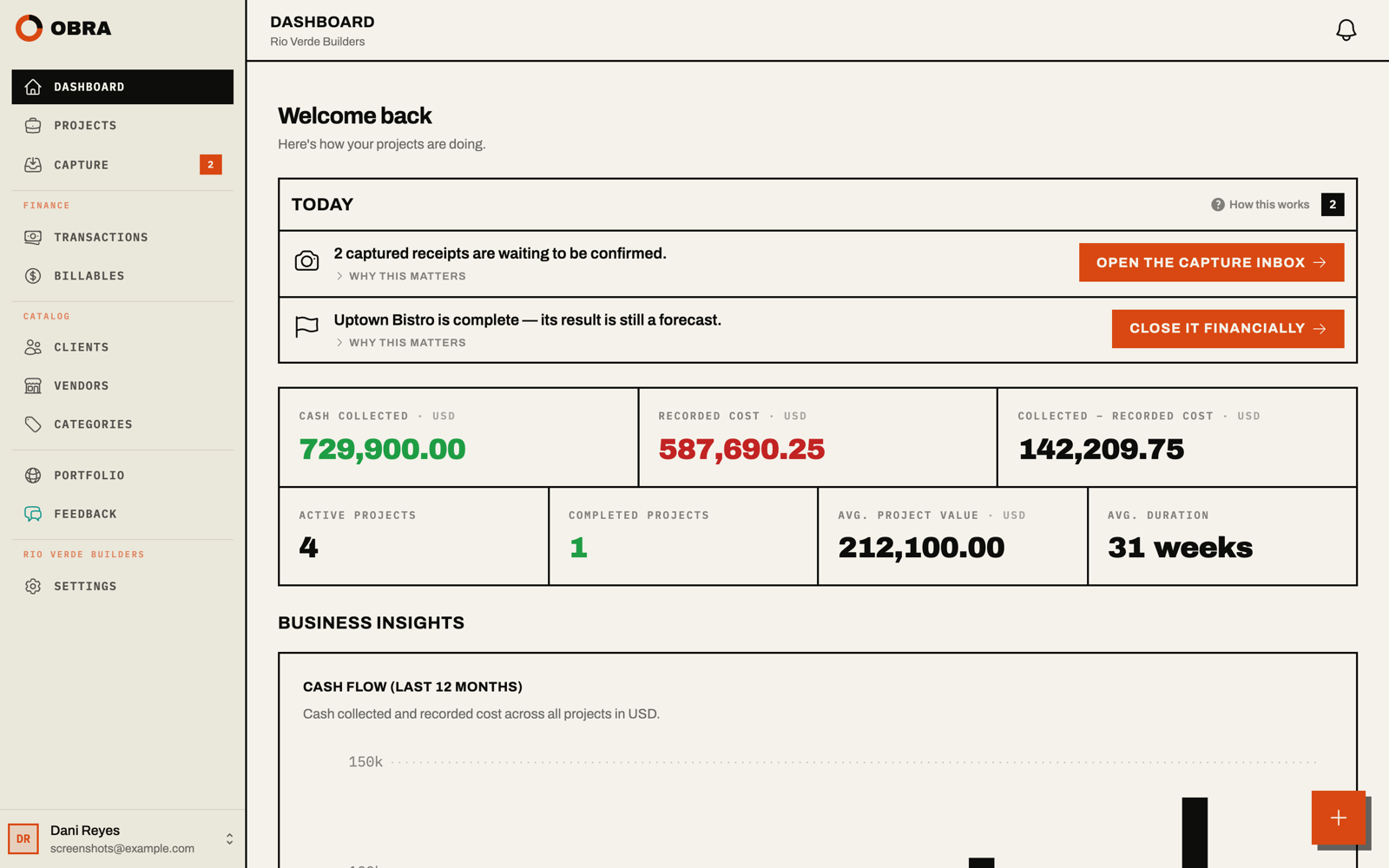
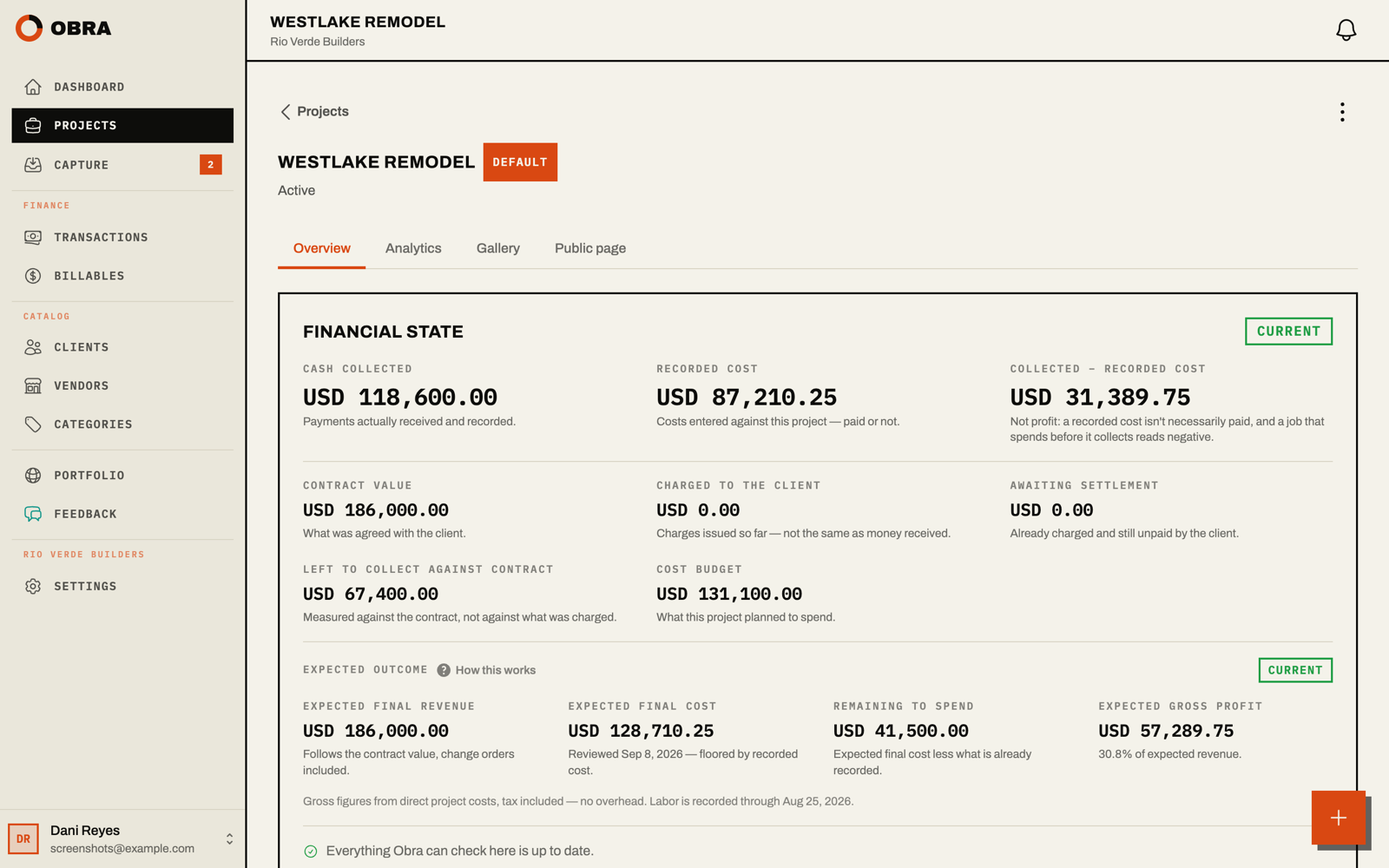
- Each job shows planned against actual cost, what has been invoiced and collected, and, after a review of what is left to spend, the expected result next to the margin the business needs to cover its overhead and profit target
- English and Spanish throughout, installs to a phone's home screen from the browser, and connects to Claude or ChatGPT to ask how a job is doing or send in a receipt
- A free plan covers one active job with no time limit
Common use cases
Limitations to know
Obra covers the money side of a job (estimates, costs, invoices and payments), not scheduling, takeoff or drawings. It records payments but does not process them, and it does not replace accounting software: there is no general ledger, payroll, or QuickBooks or Xero sync. The vendor states plainly that it is neither BIM nor architecture software. The company was founded in August 2026 and is bootstrapped, so there is no track record to check.
At a glance
- Category
- Finance
- Best for
- Contractor, General Contractor, Remodeler, Builder, Subcontractor, Specialty Contractor, Estimator, Firm Owner
- Project phase
- Preconstruction, Construction, Post-construction
- Typology
- Residential, Commercial/Office
- Pricing
- Free plan at $0 for one active project; Pro at $12 per seat per month, or $10 per seat per month billed yearly; every account starts with a 14-day Pro trial, no credit card
- Integrations
- WhatsApp and email for receipt capture; Claude, ChatGPT and other MCP-compatible AI assistants (Pro plan)
Frequently asked questions about Obra
What is Obra?
Job costing for small contractors, from the estimate to the final payment. Estimates are priced from the business's own costs and accepted by the client from a private link, which sets the job's contract and budget. Receipts arrive by WhatsApp, email or photo and wait for a person to confirm them before they count. Invoices bill from the accepted estimate, open charges, or a deposit or progress draw, and each payment is recorded against its invoice. In English and Spanish. Obra is a Finance tool reviewed on AEC Hub.
Who is Obra for?
Obra is best suited for contractor, general contractor, remodeler, builder, subcontractor, specialty contractor, estimator, firm owner working in the preconstruction and construction and post-construction phases, particularly on residential, commercial/office projects.
How much does Obra cost?
Obra pricing: Free plan at $0 for one active project; Pro at $12 per seat per month, or $10 per seat per month billed yearly; every account starts with a 14-day Pro trial, no credit card. Check the vendor's website for current details.
What are the key strengths of Obra?
Estimates are priced from the business's own price book and past job costs, with any AI-suggested price labeled as a reference, and the accepted estimate becomes the job's contract and budget. Receipts go in by WhatsApp, email or photo, are read automatically, and wait for a person to confirm them, so the job cost holds up. Invoices bill from the accepted estimate, open charges, or a deposit or progress draw. Payments are recorded against each invoice, and overdue ones show on the dashboard and in a Monday email. Each job shows planned against actual cost, what has been invoiced and collected, and, after a review of what is left to spend, the expected result next to the margin the business needs to cover its overhead and profit target. English and Spanish throughout, installs to a phone's home screen from the browser, and connects to Claude or ChatGPT to ask how a job is doing or send in a receipt. A free plan covers one active job with no time limit.
What are alternatives to Obra?
Top-rated Finance alternatives reviewed on AEC Hub include Rabbet, Hinges AI, Adaptive.
Free AI strategy session for your firm
A 30-minute working session: your workflows, the right tools, and quick wins you can start this month. Free, no obligation.
More Finance tools
Rabbet
Construction finance software
View detailsHinges AI
Hinges AI reads your invoices, matches them to POs, ACKs, and flags discrepancies automatically.
View detailsAdaptive
AI automation for construction finance: bills, invoicing, budgets and draws, built for builders and their bookkeepers.
View details