Nomic
AIAI/MLAI agents for drawing review, submittal review, and code checks over a firm's own documents
What is Nomic?
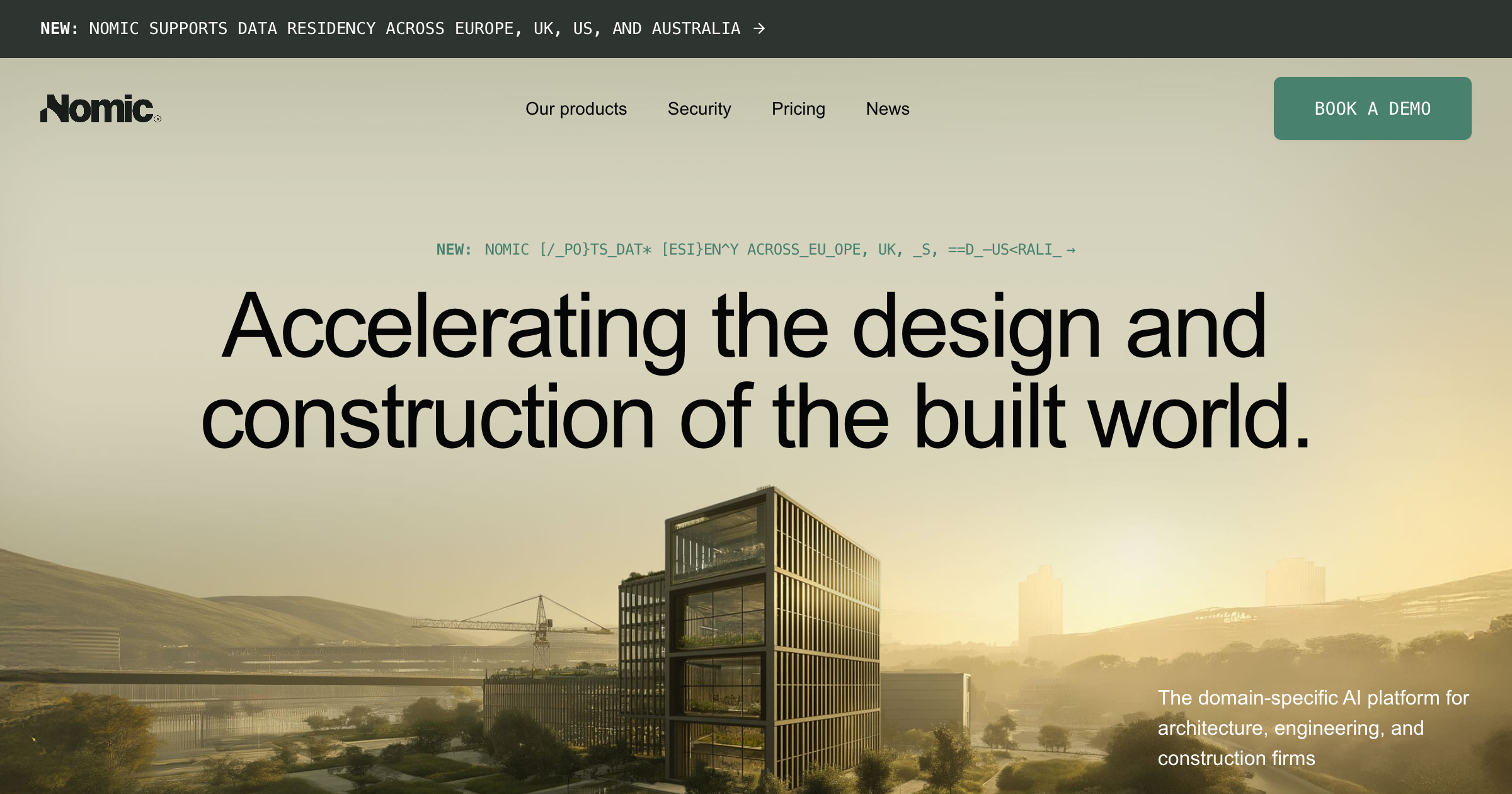
AI agents that run quality control and coordination review across a firm's own drawings, specifications, and project files. They read a whole set rather than one sheet at a time, which is where coordination errors live, and return a list of findings with a sheet reference for a reviewer to confirm. Covers drawing review, submittal review against the specification, RFI research over the project archive, building code checks, and plain-language search of past projects. Nomic also wrote AEC-Bench, the open benchmark for AI on coordination work, so the company has published what its own and other agents can and cannot do.
New York. Authors of AEC-Bench (March 2026), 196 tasks across nine task families on real drawing sets. Known in the ML community for the open Nomic Embed models.
Key strengths
- Works across a full drawing set and its specifications together, rather than one sheet at a time, which is where coordination errors actually appear
- every finding carries a sheet and specification reference so a reviewer can confirm it
- ready-made agents for drawing review, submittal review, RFI research, code checks, and knowledge search, so there is no prompt engineering to do
- reads drawings, specs, PDFs, markups, and BIM and IFC files without opening the authoring software
- connects to Autodesk, SharePoint, Egnyte, Box, ProjectWise, Fieldwire, and Microsoft 365
- offers on-premises or customer-cloud deployment with no data retained, per the company
- authored AEC-Bench, so its performance on this work is measurable in public rather than asserted
Common use cases
Limitations to know
Value depends on connecting your document systems first; code-check coverage and accuracy are vendor claims we have not tested; agent output still needs a reviewer
At a glance
- Category
- AI/ML
- Best for
- Architect, BIM Manager, Engineer, Project Manager, General Contractor
- Project phase
- All phases
- Typology
- All typologies
- Pricing
- Free tier; self-service from $20/month; enterprise contact for pricing
Frequently asked questions about Nomic
What is Nomic?
AI agents that run quality control and coordination review across a firm's own drawings, specifications, and project files. They read a whole set rather than one sheet at a time, which is where coordination errors live, and return a list of findings with a sheet reference for a reviewer to confirm. Covers drawing review, submittal review against the specification, RFI research over the project archive, building code checks, and plain-language search of past projects. Nomic also wrote AEC-Bench, the open benchmark for AI on coordination work, so the company has published what its own and other agents can and cannot do. Nomic is an AI/ML tool reviewed on AEC Hub.
Who is Nomic for?
Nomic is best suited for architect, bim manager, engineer, project manager, general contractor working in the all phases phase.
How much does Nomic cost?
Nomic does not publish pricing, contact the vendor for a quote. Check their website for current plans and trials.
What are the key strengths of Nomic?
Works across a full drawing set and its specifications together, rather than one sheet at a time, which is where coordination errors actually appear. every finding carries a sheet and specification reference so a reviewer can confirm it. ready-made agents for drawing review, submittal review, RFI research, code checks, and knowledge search, so there is no prompt engineering to do. reads drawings, specs, PDFs, markups, and BIM and IFC files without opening the authoring software. connects to Autodesk, SharePoint, Egnyte, Box, ProjectWise, Fieldwire, and Microsoft 365. offers on-premises or customer-cloud deployment with no data retained, per the company. authored AEC-Bench, so its performance on this work is measurable in public rather than asserted.
What are alternatives to Nomic?
Top-rated AI/ML alternatives reviewed on AEC Hub include Claude (Anthropic), ChatGPT (OpenAI), Google Gemini.
Free AI strategy session for your firm
A 30-minute working session: your workflows, the right tools, and quick wins you can start this month. Free, no obligation.