NavigateAI
AIConstruction ManagementWalk a space on video and get a priced scope, a defect list, and answers
What is NavigateAI?
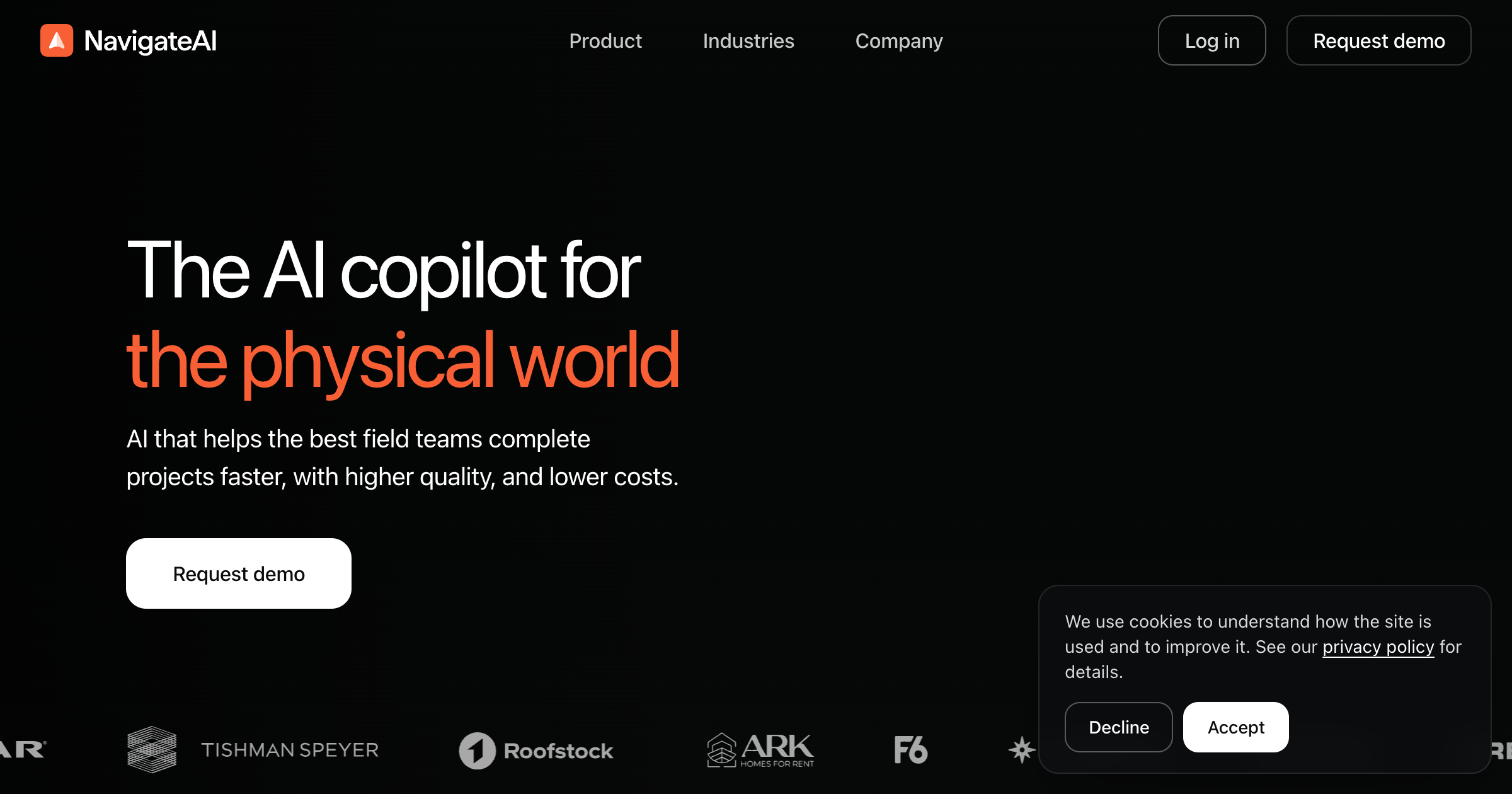
A mobile tool for field crews. Someone walks a space recording video on a phone or Meta glasses, and the system returns a priced scope of work against the firm's own labor and materials catalog, a defect list caught while the crew is still on site, and a timestamped, geo-pinned photo log. It also answers questions from the firm's specs, standard procedures, manuals, and past jobs with the source document cited, and sends jobsite updates by SMS.
Reviewed 2026-09-14. San Francisco company launched from stealth May 2026 with a $25 million seed led by Elad Gil, reported by TechCrunch at a $225 million post-money valuation. Co-founded by Eric Wu, who co-founded Opendoor and ran it for eight years, with David Sinsky. Lennar, Tishman Speyer, and Helix Electric invested and also appear as customers, and Roofstock's founder is an angel, so the named customer list overlaps the cap table. Headline figures of 36 percent labor savings, 530 million square feet, and more than a billion frames processed are unsourced vendor numbers held in the page's JavaScript. The iOS app first shipped October 2024 and carries 14 ratings, with over a thousand Android installs, which suggests pilot-scale deployment rather than broad adoption.
Key strengths
- Turns a video walk into a scope of work priced against your own labor and materials catalog, in minutes
- flags defects in real time while the crew is still on site, with records timestamped and geo-pinned
- surfaces step-by-step instructions and code references at the moment a worker needs them
- answers questions from your specs, standard operating procedures, and past jobs and cites the source document
- runs on a phone or Meta glasses with no dedicated hardware to buy
Common use cases
Limitations to know
No integrations are published at all, so there is no stated path to Procore, Autodesk Construction Cloud, Yardi, or any ERP. Pricing is quote only and structured as a share of claimed savings, which the founder acknowledges is hard to attribute because weather, materials, and crew performance move the same number. The SOC 2 badge on the site names no type, no auditor, and no audit period, and there is no trust center, data processing agreement, or subprocessor list. The public privacy policy explicitly excludes customer data, placing jobsite video and photos under a separate agreement that is not published, and there is no statement either way about whether your footage trains their models. The Google Play data safety declaration says the app shares precise location with other companies and that the developer provides no way to request deletion of your data.
At a glance
- Category
- Construction Management
- Best for
- General Contractor, Subcontractor, Facilities Manager, Project Manager
- Project phase
- Construction, Operations
- Typology
- Residential, Multifamily, Commercial/Office, Industrial
- Pricing
- Quote only, by demo request. TechCrunch reports newer contracts price as roughly 20 percent of the cost savings achieved rather than per seat.
- Integrations
- None published. The mobile app is described as a companion to NavigateAI's own web dashboard rather than to a third-party construction management system.
Frequently asked questions about NavigateAI
What is NavigateAI?
A mobile tool for field crews. Someone walks a space recording video on a phone or Meta glasses, and the system returns a priced scope of work against the firm's own labor and materials catalog, a defect list caught while the crew is still on site, and a timestamped, geo-pinned photo log. It also answers questions from the firm's specs, standard procedures, manuals, and past jobs with the source document cited, and sends jobsite updates by SMS. NavigateAI is a Construction Management tool reviewed on AEC Hub.
Who is NavigateAI for?
NavigateAI is best suited for general contractor, subcontractor, facilities manager, project manager working in the construction and operations phases, particularly on residential, multifamily, commercial/office, industrial projects.
How much does NavigateAI cost?
NavigateAI pricing: Quote only, by demo request. TechCrunch reports newer contracts price as roughly 20 percent of the cost savings achieved rather than per seat.. Check the vendor's website for current details.
What are the key strengths of NavigateAI?
Turns a video walk into a scope of work priced against your own labor and materials catalog, in minutes. flags defects in real time while the crew is still on site, with records timestamped and geo-pinned. surfaces step-by-step instructions and code references at the moment a worker needs them. answers questions from your specs, standard operating procedures, and past jobs and cites the source document. runs on a phone or Meta glasses with no dedicated hardware to buy.
What are alternatives to NavigateAI?
Top-rated Construction Management alternatives reviewed on AEC Hub include OpenSpace, Togal.AI, Siteline.
Free AI strategy session for your firm
A 30-minute working session: your workflows, the right tools, and quick wins you can start this month. Free, no obligation.