Maquete AI
AIVisualizationTurns a model viewport screenshot into a photorealistic render in about a minute
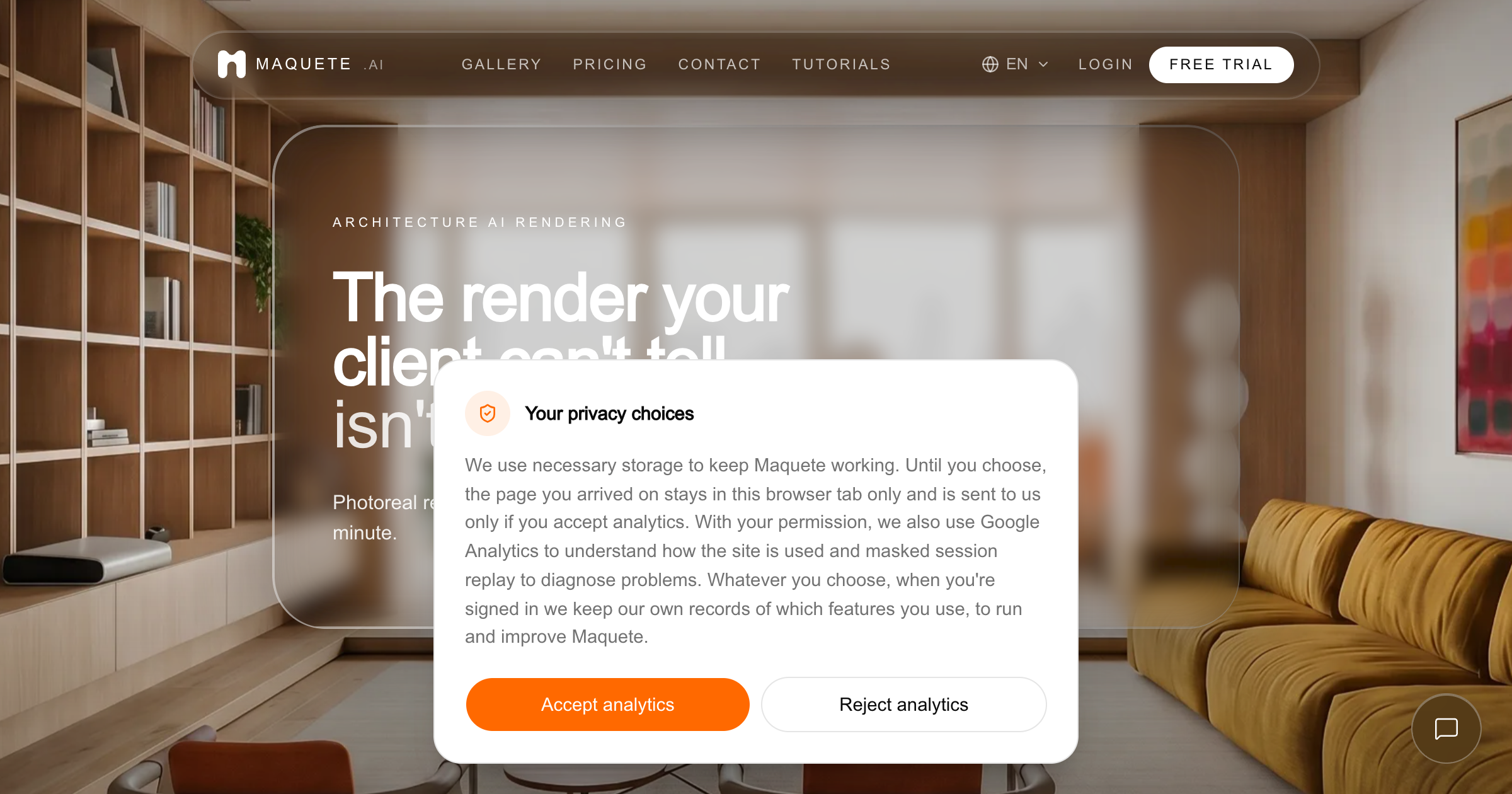
What is Maquete AI?
A browser rendering tool for architects, interior designers, and showroom teams. You upload a PNG, JPG, or TIFF viewport capture from SketchUp, Revit, Rhino, Blender, Archicad, AutoCAD, or Vectorworks, or render the active view directly with the SketchUp plugin, then pick lighting, materials, finishes, and scene context from presets instead of writing prompts. The vendor's stated aim is to keep walls, openings, and proportions where the model put them, and a still render arrives in about a minute at up to 4K. Paid plans add video walkthroughs, project folders with specification schedules, and client briefing forms.
Record written 2026-10-07 from the vendor's submission and site. Made by Maquete AI Ltd, company number 17433238, registered at 167-169 Great Portland Street, London. The about page says one co-founder has an architecture and urban design background and the other a product engineering background, and the service is offered in 12 languages with USD billing.
Key strengths
- The SketchUp plugin renders the active viewport in one click without an export, upload, or browser switch
- accepts PNG, JPG, or TIFF captures from Revit, Rhino, Blender, Archicad, AutoCAD, and Vectorworks with no 3D file conversion
- more than 15 lighting presets such as golden hour, blue hour, sheer curtain, and blinds, plus material naming, replace prompt writing
- output up to 4K on Pro and above, with one free regeneration per render on paid plans
- video walkthroughs with dolly and tracking moves, priced per clip (Veo 3.1 Fast at 1080p costs 4 credits for 4 seconds and 7 credits for 8 seconds)
- projects hold renders, specification and cost schedules, and client briefing forms that collect requirements before rendering
Common use cases
Limitations to know
The vendor's own FAQ says no generative workflow can guarantee the geometry is preserved and tells you to compare each render with the source model before use. The submission says a typical still completes in about 30 seconds while the site says about a minute. The two case studies on the site describe interior visualisation work but give no measured time or cost results. Maquete AI Ltd was registered in England in 2026, so the product and company are new. AEC Hub has not tested the product.
At a glance
- Category
- Visualization
- Best for
- Architect, Interior Designer, Designer, Visualization Artist
- Project phase
- Concept, Schematic, DD
- Typology
- All typologies
- Pricing
- Starter is $9 per month for 10 credits at 2K and one user, Pro is $24 per month for 100 credits at 4K with a 7-day trial of 30 renders, Studio is $59 per month for 300 credits and 3 users, and Business is $99 per month for 600 credits and 5 users. A 2K still costs 1 credit, a 4K still 2 credits, and annual billing gives two months free.
- Integrations
- A native SketchUp plugin renders the active viewport. Image captures (PNG, JPG, TIFF) come from Revit, Rhino, Blender, Archicad, AutoCAD, and Vectorworks, and output is still images up to 4K and video clips.
Frequently asked questions about Maquete AI
What is Maquete AI?
A browser rendering tool for architects, interior designers, and showroom teams. You upload a PNG, JPG, or TIFF viewport capture from SketchUp, Revit, Rhino, Blender, Archicad, AutoCAD, or Vectorworks, or render the active view directly with the SketchUp plugin, then pick lighting, materials, finishes, and scene context from presets instead of writing prompts. The vendor's stated aim is to keep walls, openings, and proportions where the model put them, and a still render arrives in about a minute at up to 4K. Paid plans add video walkthroughs, project folders with specification schedules, and client briefing forms. Maquete AI is a Visualization tool reviewed on AEC Hub.
Who is Maquete AI for?
Maquete AI is best suited for architect, interior designer, designer, visualization artist working in the concept and schematic and dd phases.
How much does Maquete AI cost?
Maquete AI pricing: Starter is $9 per month for 10 credits at 2K and one user, Pro is $24 per month for 100 credits at 4K with a 7-day trial of 30 renders, Studio is $59 per month for 300 credits and 3 users, and Business is $99 per month for 600 credits and 5 users. A 2K still costs 1 credit, a 4K still 2 credits, and annual billing gives two months free.. Check the vendor's website for current details.
What are the key strengths of Maquete AI?
The SketchUp plugin renders the active viewport in one click without an export, upload, or browser switch. accepts PNG, JPG, or TIFF captures from Revit, Rhino, Blender, Archicad, AutoCAD, and Vectorworks with no 3D file conversion. more than 15 lighting presets such as golden hour, blue hour, sheer curtain, and blinds, plus material naming, replace prompt writing. output up to 4K on Pro and above, with one free regeneration per render on paid plans. video walkthroughs with dolly and tracking moves, priced per clip (Veo 3.1 Fast at 1080p costs 4 credits for 4 seconds and 7 credits for 8 seconds). projects hold renders, specification and cost schedules, and client briefing forms that collect requirements before rendering.
What are alternatives to Maquete AI?
Top-rated Visualization alternatives reviewed on AEC Hub include Enscape, D5 Render, Canva.
Free AI strategy session for your firm
A 30-minute working session: your workflows, the right tools, and quick wins you can start this month. Free, no obligation.