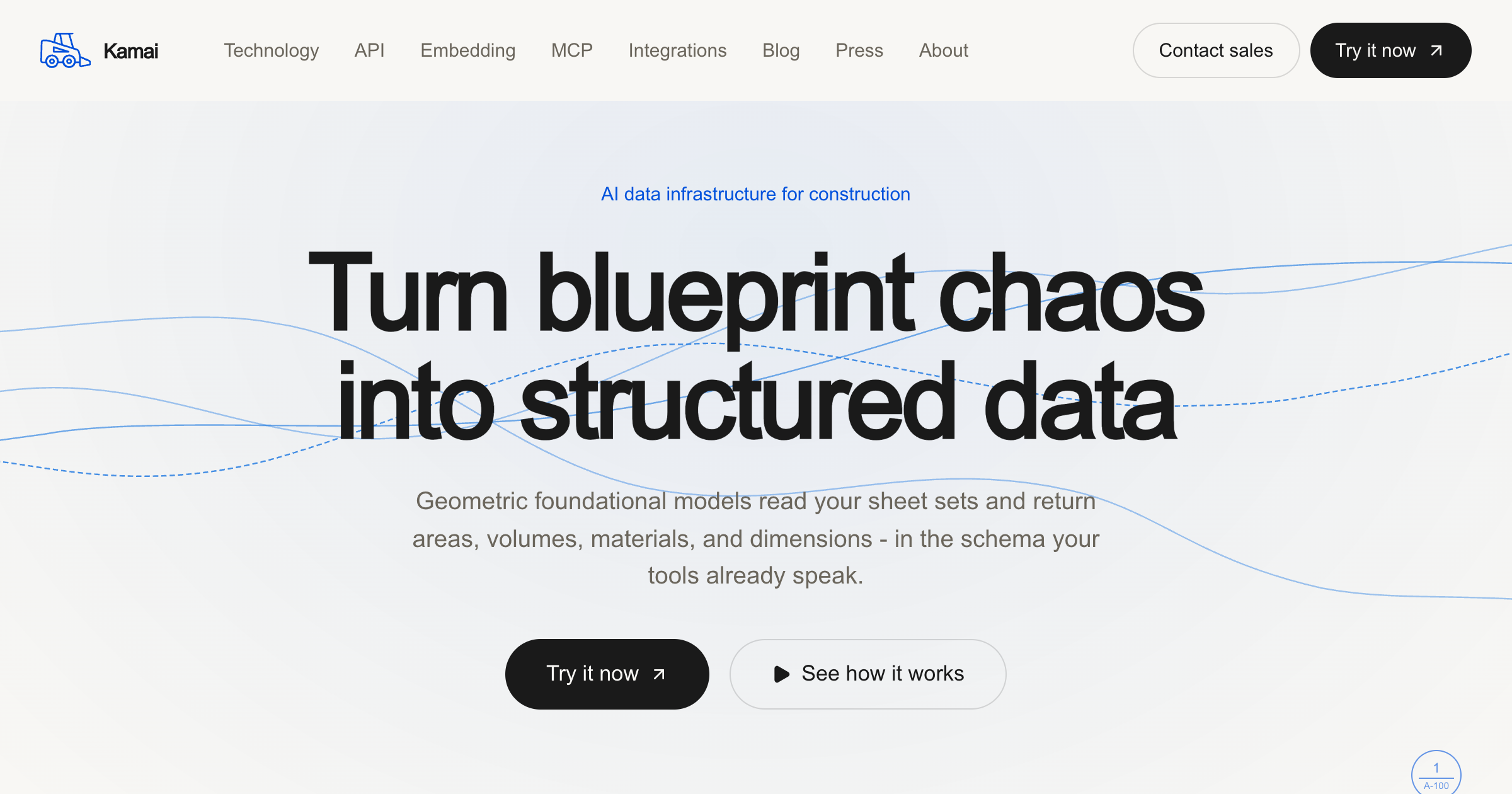
What is Kamai?
Turns construction blueprints into structured, queryable data using a specialized CAD foundation model and blueprint parser, powering takeoff extraction, revision comparison, and a developer API for building on top of drawings
Added July 2026. One of the few CAD foundation model plays in AEC.
Key strengths
- Parses PDF blueprints into structured data with element classification and spatial relationships
- extracts quantities, dimensions, areas, and counts for takeoffs
- compares drawing revisions and summarizes changes
- developer API for object detection and natural-language Q&A over documents
Common use cases
Limitations to know
Platform/API product; needs integration to reach end users
At a glance
- Category
- AI/ML
- Best for
- Contractor, Engineer, Architect, Developer
- Project phase
- CD, Construction
- Typology
- All typologies
- Pricing
- Contact for API and platform access
Frequently asked questions about Kamai
What is Kamai?
Turns construction blueprints into structured, queryable data using a specialized CAD foundation model and blueprint parser, powering takeoff extraction, revision comparison, and a developer API for building on top of drawings Kamai is an AI/ML tool reviewed on AEC Hub.
Who is Kamai for?
Kamai is best suited for contractor, engineer, architect, developer working in the cd and construction phases.
How much does Kamai cost?
Kamai does not publish pricing, contact the vendor for a quote. Check their website for current plans and trials.
What are the key strengths of Kamai?
Parses PDF blueprints into structured data with element classification and spatial relationships. extracts quantities, dimensions, areas, and counts for takeoffs. compares drawing revisions and summarizes changes. developer API for object detection and natural-language Q&A over documents.
What are alternatives to Kamai?
Top-rated AI/ML alternatives reviewed on AEC Hub include Claude (Anthropic), ChatGPT (OpenAI), Google Gemini.
Free AI strategy session for your firm
A 30-minute working session: your workflows, the right tools, and quick wins you can start this month. Free, no obligation.