Conduit
AIDevelopment ToolsBuild, version, and deploy firm-specific Revit, AutoCAD, and ACC tools
What is Conduit?
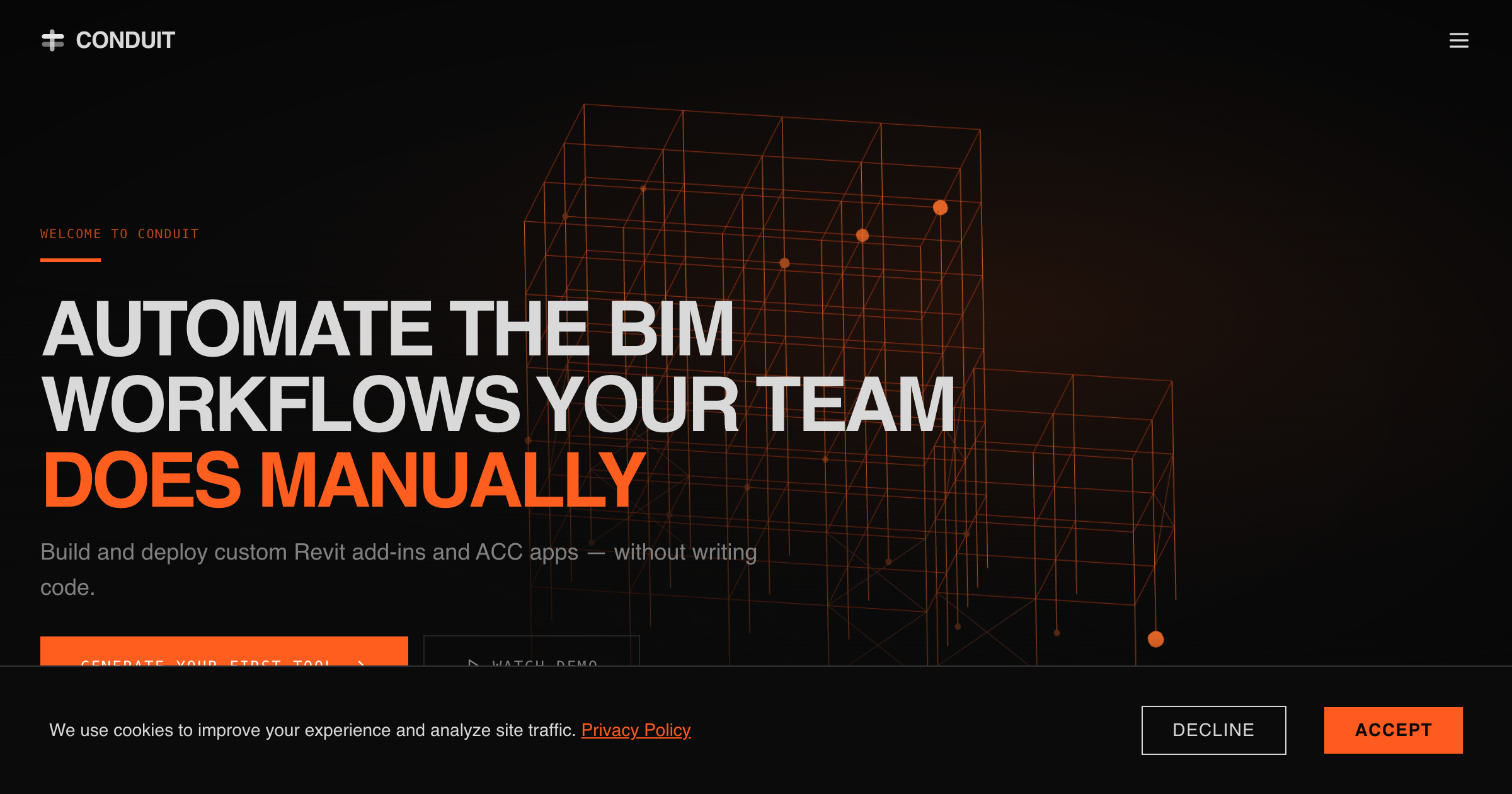
Conduit turns a written workflow brief into a compiled Revit or AutoCAD add-in or a hosted Autodesk Construction Cloud app, then keeps versions, deployment, updates, and runtime status in one workspace.
AEC Hub reviewed the current product, help, pricing, privacy, terms, and Autodesk App Store pages but has not generated or deployed a Conduit app.
Key strengths
- Plain-language app generation
- Versioned deployment
- Revit, AutoCAD, and ACC support
Common use cases
Limitations to know
Generated software still requires testing; Revit and AutoCAD deployment requires Desktop Runner on Windows; normal app revisions consume credits; Copilot remains a Revit 2025-2026 pilot
At a glance
- Category
- Development Tools
- Best for
- BIM Manager, VDC Manager, Design Technology Lead, Computational Designer
- Project phase
- All phases
- Typology
- All typologies
- Pricing
- Trial includes one Creator and 100 credits. Creator costs $89 per seat monthly with 200 monthly credits; Viewer costs $29 per seat monthly. Enterprise pricing is custom.
- Learning curve
- Moderate
- Integrations
- Revit 2020-2027; AutoCAD; Autodesk Construction Cloud; Conduit MCP; external platforms with APIs; Copilot pilot for Revit 2025-2026
Frequently asked questions about Conduit
What is Conduit?
Conduit turns a written workflow brief into a compiled Revit or AutoCAD add-in or a hosted Autodesk Construction Cloud app, then keeps versions, deployment, updates, and runtime status in one workspace. Conduit is a Development Tools tool reviewed on AEC Hub.
Who is Conduit for?
Conduit is best suited for bim manager, vdc manager, design technology lead, computational designer working in the all phases phase.
How much does Conduit cost?
Conduit pricing: Trial includes one Creator and 100 credits. Creator costs $89 per seat monthly with 200 monthly credits; Viewer costs $29 per seat monthly. Enterprise pricing is custom.. Check the vendor's website for current details.
What are the key strengths of Conduit?
Plain-language app generation. Versioned deployment. Revit, AutoCAD, and ACC support.
What are alternatives to Conduit?
Top-rated Development Tools alternatives reviewed on AEC Hub include GitHub Copilot, Cursor, Codeium Windsurf.
Free AI strategy session for your firm
A 30-minute working session: your workflows, the right tools, and quick wins you can start this month. Free, no obligation.