CADProps
EngineeringBrowser viewer that opens, measures, converts, and compares supplier CAD files
What is CADProps?
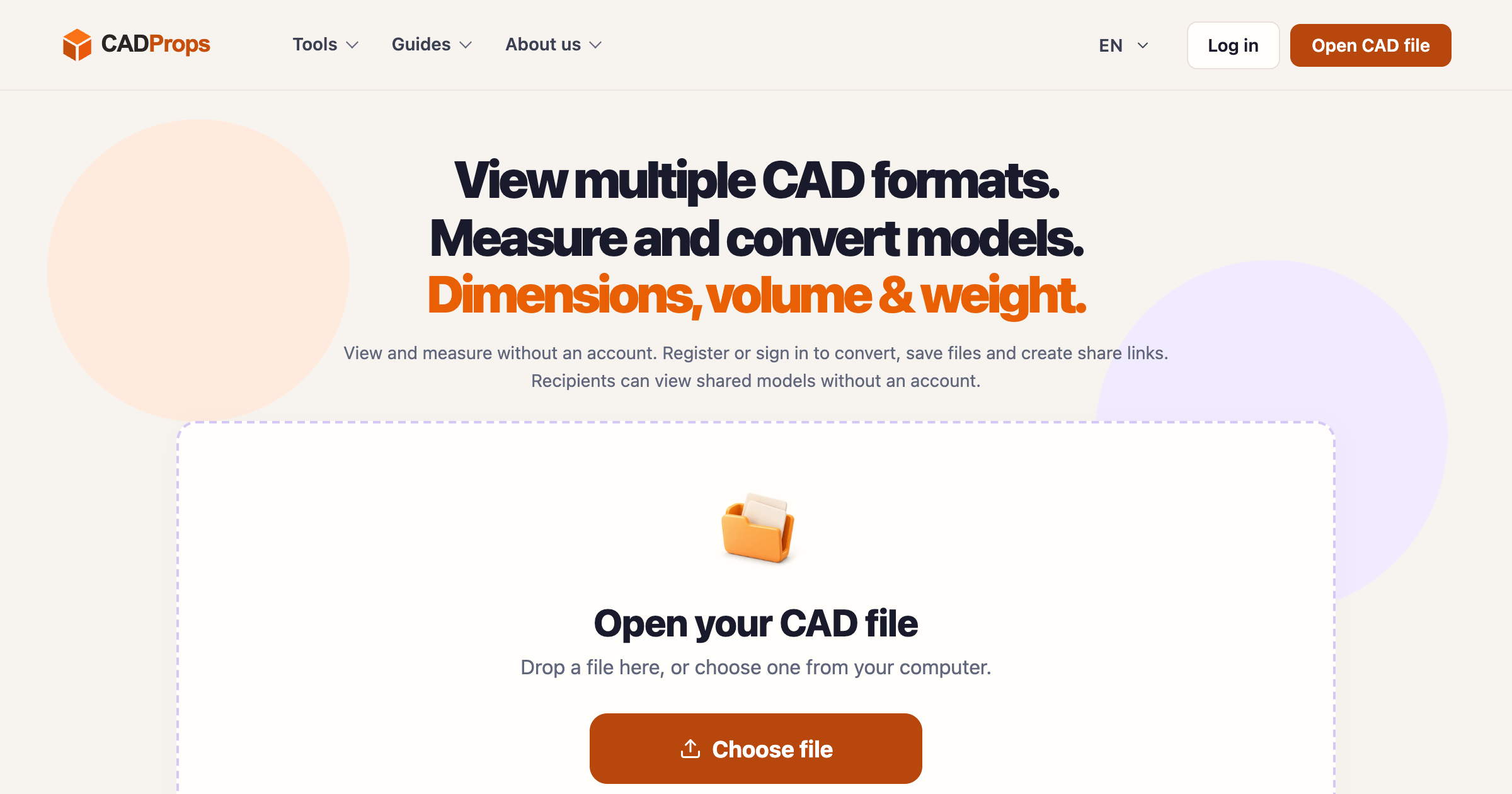
A browser workspace for engineering, purchasing, quoting, and inspection staff who receive part and equipment files from suppliers and do not have the matching desktop CAD seat. You upload a SolidWorks, NX, Inventor, CATIA, Parasolid, STEP, IGES, STL, OBJ, 3MF, glTF, or DWG/DXF file and view it, pick distances, read X/Y/Z extents, and get volume, surface area, and an estimated mass from a material density. The compare tool shows two revisions side by side, overlaid, or as an A/B toggle, and for STEP pairs it computes added and removed material as red and blue solids. Viewing and measuring need no account, while conversion, saved libraries, and share links need a sign-in.
Record written 2026-10-07 from the vendor's submission and site. CADProps describes itself as an independent engineering software project started in Singapore in 2025, with a team from CAD/CAM, CNC machining, and automated quoting backgrounds. Account files are kept until deleted or 90 days of inactivity.
Key strengths
- Opens SolidWorks, Siemens NX, Inventor, CATIA V5, Parasolid, ACIS SAT, JT, STEP, IGES, STL, OBJ, 3MF, GLB and glTF, and DWG/DXF without installing anything
- point-to-point distance picking and X/Y/Z extents, with metric and imperial display switching that leaves the source geometry untouched
- volume and surface area come from STEP B-Rep geometry and mass from a chosen material density
- the compare tool offers side-by-side, overlay, and A/B views and computes solid differences for STEP pairs
- source coordinates are preserved and no automatic alignment is applied, so an offset between revisions shows as an offset
- 30 conversion tools such as SolidWorks to STEP, STEP to STL, and CATIA to STEP, plus batch export of STEP dimensions to CSV
- share links open for recipients without an account
Common use cases
Limitations to know
Pricing is not published anywhere on the site, and the about page says only that guest use is free and accounts add storage and sharing. Automatic solid differences work only on STEP pairs, and STL, OBJ, DWG, and DXF comparisons are visual only. The vendor warns that mesh results are approximate, that Boolean tolerances affect difference results, and that you must confirm source units before trusting a dimension. Limits are 50 MiB per file, 100 MiB per ZIP, 2,000 bodies per assembly, and a 1,000,000 triangle preview, and files are processed on the vendor's servers. This is mechanical and equipment CAD rather than building models, so it does not open Revit or IFC. AEC Hub has not tested the product.
At a glance
- Category
- Engineering
- Best for
- Engineer, Procurement, Manufacturer, Estimator, Specifier
- Project phase
- DD, CD, Construction
- Typology
- Industrial, Infrastructure
- Pricing
- Not published on the site. Viewing and measurement work without an account and guest files are deleted about an hour after upload, while conversion, saved storage, and share links require signing in.
- Integrations
- Imports SLDPRT and SLDASM, NX PRT, IPT and IAM, CATPart and CATProduct, X_T, SAT, JT, STEP, IGES, STL, OBJ, 3MF, GLB and glTF, DWG and DXF, and ZIP packages. Converts between STEP, STL, OBJ, 3MF, glTF, GLB, and IGES, and exports batch dimensions as CSV.
Frequently asked questions about CADProps
What is CADProps?
A browser workspace for engineering, purchasing, quoting, and inspection staff who receive part and equipment files from suppliers and do not have the matching desktop CAD seat. You upload a SolidWorks, NX, Inventor, CATIA, Parasolid, STEP, IGES, STL, OBJ, 3MF, glTF, or DWG/DXF file and view it, pick distances, read X/Y/Z extents, and get volume, surface area, and an estimated mass from a material density. The compare tool shows two revisions side by side, overlaid, or as an A/B toggle, and for STEP pairs it computes added and removed material as red and blue solids. Viewing and measuring need no account, while conversion, saved libraries, and share links need a sign-in. CADProps is an Engineering tool reviewed on AEC Hub.
Who is CADProps for?
CADProps is best suited for engineer, procurement, manufacturer, estimator, specifier working in the dd and cd and construction phases, particularly on industrial, infrastructure projects.
How much does CADProps cost?
CADProps pricing: Not published on the site. Viewing and measurement work without an account and guest files are deleted about an hour after upload, while conversion, saved storage, and share links require signing in.. Check the vendor's website for current details.
What are the key strengths of CADProps?
Opens SolidWorks, Siemens NX, Inventor, CATIA V5, Parasolid, ACIS SAT, JT, STEP, IGES, STL, OBJ, 3MF, GLB and glTF, and DWG/DXF without installing anything. point-to-point distance picking and X/Y/Z extents, with metric and imperial display switching that leaves the source geometry untouched. volume and surface area come from STEP B-Rep geometry and mass from a chosen material density. the compare tool offers side-by-side, overlay, and A/B views and computes solid differences for STEP pairs. source coordinates are preserved and no automatic alignment is applied, so an offset between revisions shows as an offset. 30 conversion tools such as SolidWorks to STEP, STEP to STL, and CATIA to STEP, plus batch export of STEP dimensions to CSV. share links open for recipients without an account.
What are alternatives to CADProps?
Top-rated Engineering alternatives reviewed on AEC Hub include Enji-io, LeanCon, StructurePal.
Free AI strategy session for your firm
A 30-minute working session: your workflows, the right tools, and quick wins you can start this month. Free, no obligation.