Back to Tools
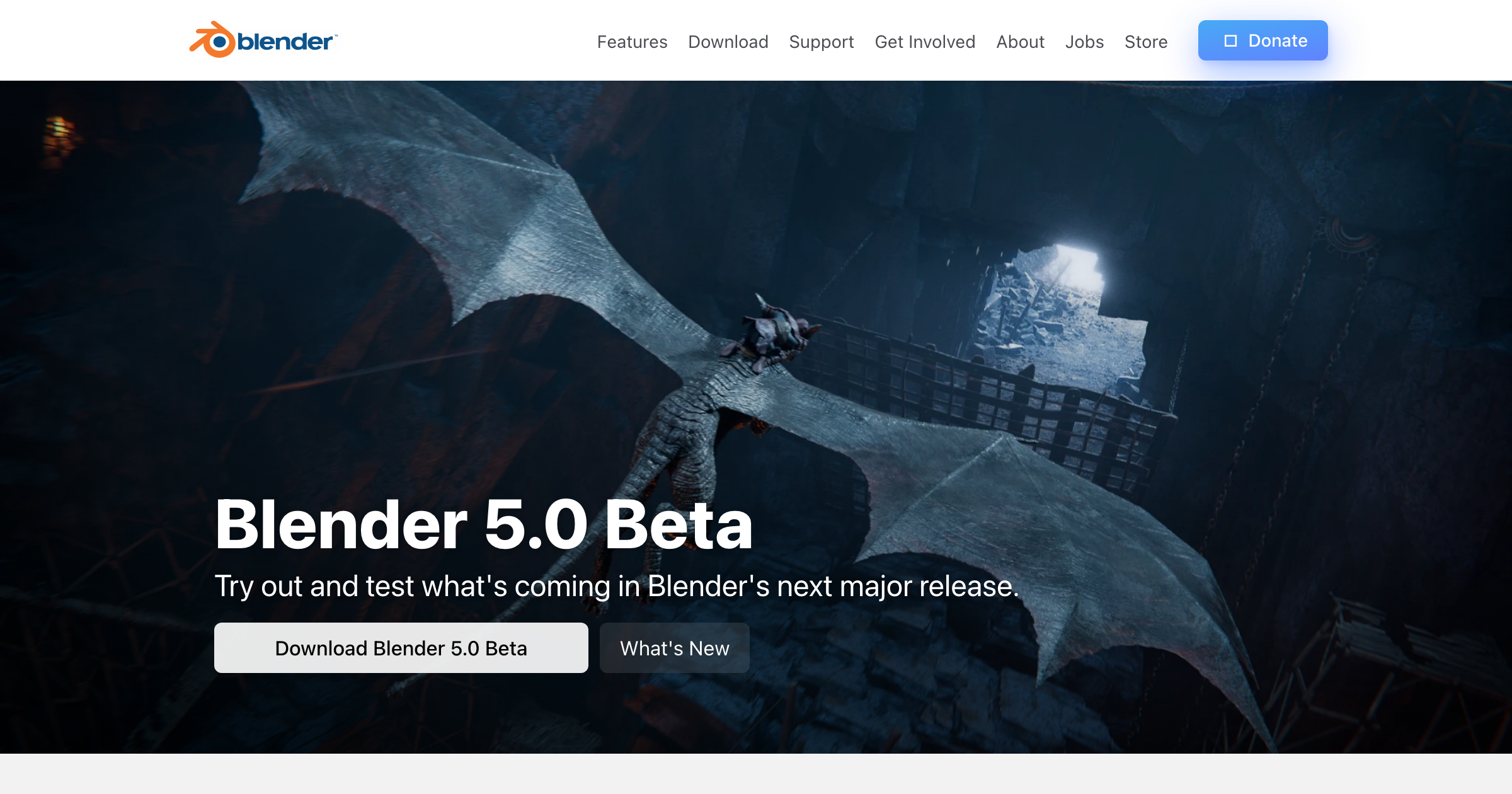
Blender
3D ModelingOpen-source 3D creation suite
What is Blender?
Open-source 3D creation suite
Free 3D creation suite
Key strengths
- Free and open source
- Powerful rendering
- Animation
- Modeling
Common use cases
free 3d modeling, rendering and animation, archviz cycles, walkthrough animation, mesh modeling, open source visualization, cgi scenes
Limitations to know
Very steep learning curve; Not BIM
At a glance
- Category
- 3D Modeling
- Best for
- Architect, Designer, Visualization Artist
- Project phase
- Concept, Schematic, DD, CD
- Typology
- All typologies
- Pricing
- Contact for pricing
Frequently asked questions about Blender
What is Blender?
Open-source 3D creation suite Blender is a 3D Modeling tool reviewed on AEC Hub.
Who is Blender for?
Blender is best suited for architect, designer, visualization artist working in the concept and schematic and dd and cd phases.
How much does Blender cost?
Blender does not publish pricing, contact the vendor for a quote. Check their website for current plans and trials.
What are the key strengths of Blender?
Free and open source. Powerful rendering. Animation. Modeling.
What are alternatives to Blender?
Top-rated 3D Modeling alternatives reviewed on AEC Hub include Rhino 3D, TRELLIS, Hunyuan3D-2.1.
Free AI strategy session for your firm
A 30-minute working session: your workflows, the right tools, and quick wins you can start this month. Free, no obligation.