ArchiMind
AICode/PermittingCalifornia Building Code compliance inside Revit
What is ArchiMind?
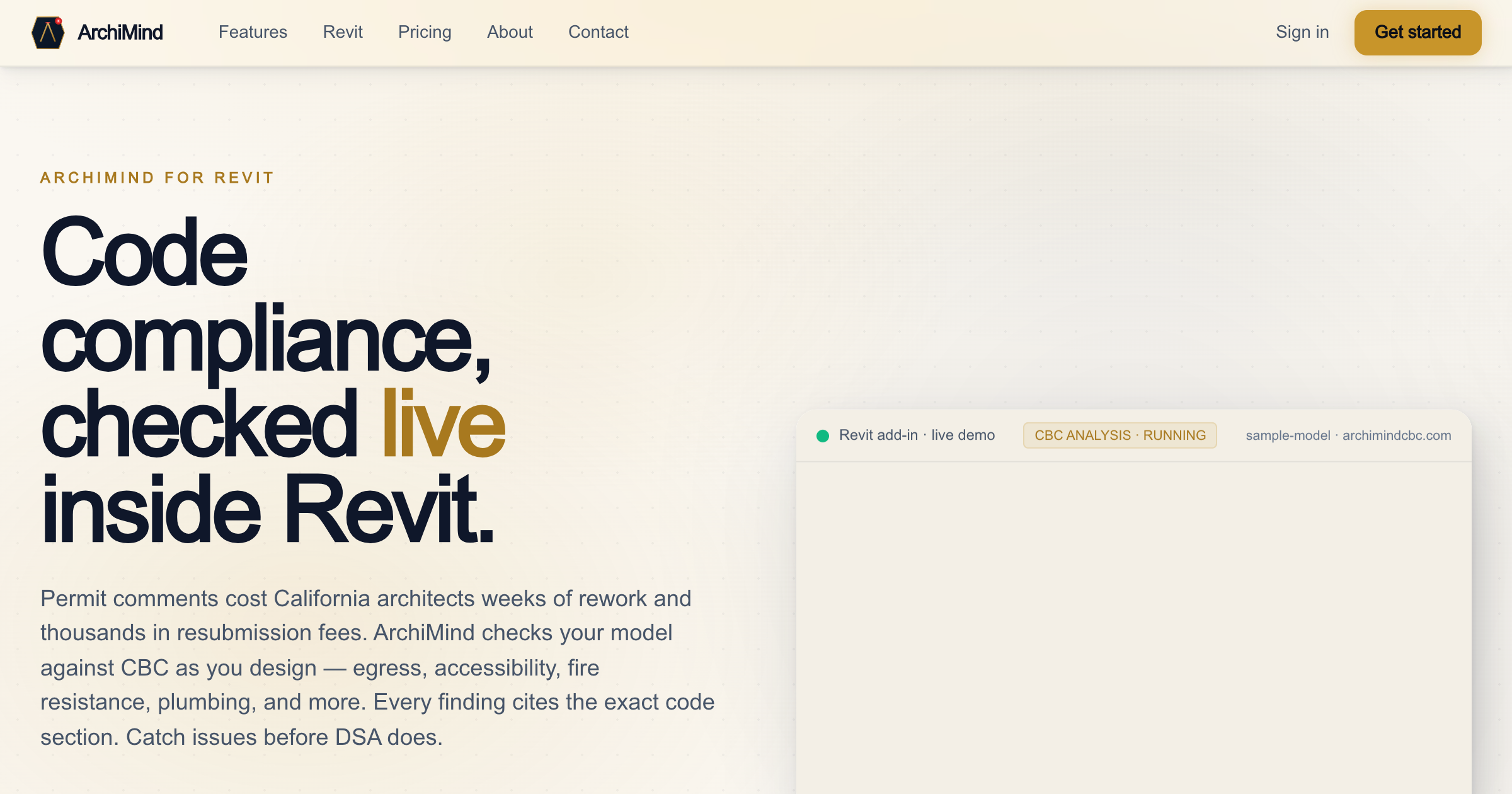
Native Revit add-in running 182+ California Building Code checks on walls, rooms, doors and windows in under a minute.
Egress, accessibility, height and area, fire resistance coverage
Key strengths
- 182+ automated CBC 2022/2025 checks across six chapters
- Results in under 60 seconds without leaving Revit
- HTML permit reports plus JSON/CSV export
Common use cases
Limitations to know
California Building Code only
At a glance
- Category
- Code/Permitting
- Best for
- Architect, BIM Manager, Designer
- Project phase
- Design Development, Construction Docs
- Typology
- All typologies
- Pricing
- From $79/month
Frequently asked questions about ArchiMind
What is ArchiMind?
Native Revit add-in running 182+ California Building Code checks on walls, rooms, doors and windows in under a minute. ArchiMind is a Code/Permitting tool reviewed on AEC Hub.
Who is ArchiMind for?
ArchiMind is best suited for architect, bim manager, designer working in the design development and construction docs phases.
How much does ArchiMind cost?
ArchiMind pricing: From $79/month. Check the vendor's website for current details.
What are the key strengths of ArchiMind?
182+ automated CBC 2022/2025 checks across six chapters. Results in under 60 seconds without leaving Revit. HTML permit reports plus JSON/CSV export.
What are alternatives to ArchiMind?
Top-rated Code/Permitting alternatives reviewed on AEC Hub include UpCodes, Blueplan, CodeComply.AI.
Free AI strategy session for your firm
A 30-minute working session: your workflows, the right tools, and quick wins you can start this month. Free, no obligation.