Archfine
AIVisualizationTurns sketches, plans and 3D views into photorealistic renders
What is Archfine?
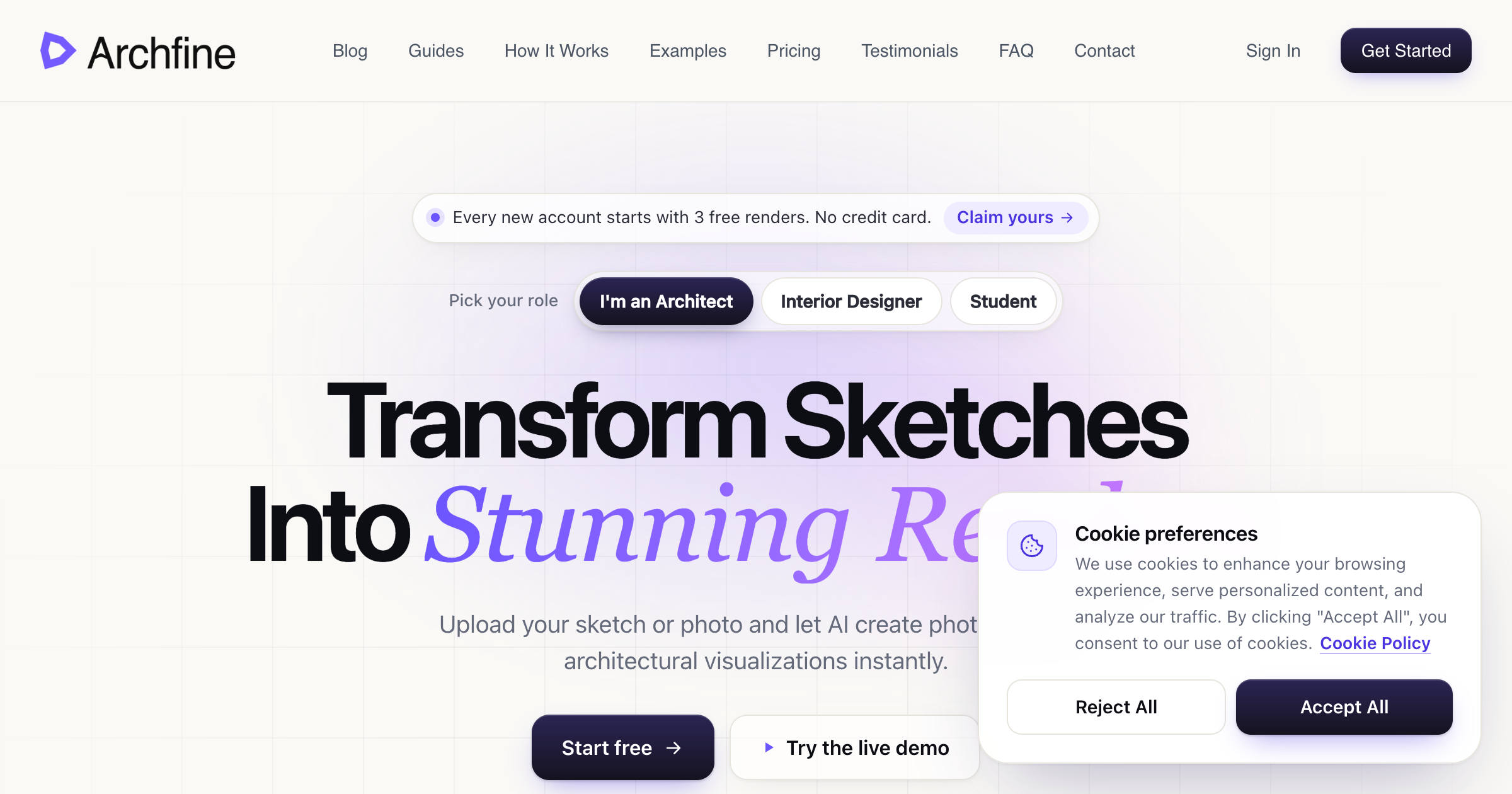
Archfine is a browser-based AI rendering tool for architects and interior designers. You upload a hand sketch, a floor plan, an elevation, a photo or a viewport capture from your 3D software, add a short prompt describing materials, lighting and style, and it returns a photorealistic render in about 30 seconds. The AI reads the spatial intent of the input image together with the prompt, so the render follows the drawing rather than inventing a new design. There is nothing to install and no GPU is needed.
Record written 2026-11-05 from the vendor's submission through the listing form. Archfine.
Key strengths
- Accepts JPG, PNG and WEBP uploads: sketches, floor plans, elevations, photos and 3D viewport captures
- Works from SketchUp, Revit, Rhino, AutoCAD, Blender and ArchiCAD exports with no plugin
- A render takes about 30 seconds
- Selective editing: mask one area, such as a wall or roof, and regenerate only that part
- Upscaling to 4K for print-ready boards
- Free plan with 3 renders, no credit card
Common use cases
Limitations to know
Archfine produces images, not editable 3D models, BIM data or construction drawings. Renders are AI interpretations of the input, so dimensions, materials and details should be checked before a render is used for technical or contractual purposes. Each render uses one credit, and monthly plan credits do not roll over. AEC Hub has not tested the product, and the details on this page are the vendor's.
At a glance
- Category
- Visualization
- Best for
- Architect, Designer, Interior Designer, Visualization Artist, Student
- Project phase
- Feasibility, Concept, Schematic, DD
- Typology
- All typologies
- Pricing
- Free plan: 3 render credits, no credit card. Starter $9.99/month, Plus $19.99/month, Pro $39.99/month, billed yearly ($99.99, $199.99 and $399.99 per year). Credit top-up packs available.
- Integrations
- Input from SketchUp, Revit, Rhino (including Grasshopper forms), AutoCAD, Blender and ArchiCAD exports; JPG, PNG and WEBP files
Frequently asked questions about Archfine
What is Archfine?
Archfine is a browser-based AI rendering tool for architects and interior designers. You upload a hand sketch, a floor plan, an elevation, a photo or a viewport capture from your 3D software, add a short prompt describing materials, lighting and style, and it returns a photorealistic render in about 30 seconds. The AI reads the spatial intent of the input image together with the prompt, so the render follows the drawing rather than inventing a new design. There is nothing to install and no GPU is needed. Archfine is a Visualization tool reviewed on AEC Hub.
Who is Archfine for?
Archfine is best suited for architect, designer, interior designer, visualization artist, student working in the feasibility and concept and schematic and dd phases.
How much does Archfine cost?
Archfine pricing: Free plan: 3 render credits, no credit card. Starter $9.99/month, Plus $19.99/month, Pro $39.99/month, billed yearly ($99.99, $199.99 and $399.99 per year). Credit top-up packs available.. Check the vendor's website for current details.
What are the key strengths of Archfine?
Accepts JPG, PNG and WEBP uploads: sketches, floor plans, elevations, photos and 3D viewport captures. Works from SketchUp, Revit, Rhino, AutoCAD, Blender and ArchiCAD exports with no plugin. A render takes about 30 seconds. Selective editing: mask one area, such as a wall or roof, and regenerate only that part. Upscaling to 4K for print-ready boards. Free plan with 3 renders, no credit card.
What are alternatives to Archfine?
Top-rated Visualization alternatives reviewed on AEC Hub include Enscape, D5 Render, Canva.
Free AI strategy session for your firm
A 30-minute working session: your workflows, the right tools, and quick wins you can start this month. Free, no obligation.