ArchBench
AIAI/MLDesktop AI assistant that edits 3D models from written instructions
What is ArchBench?
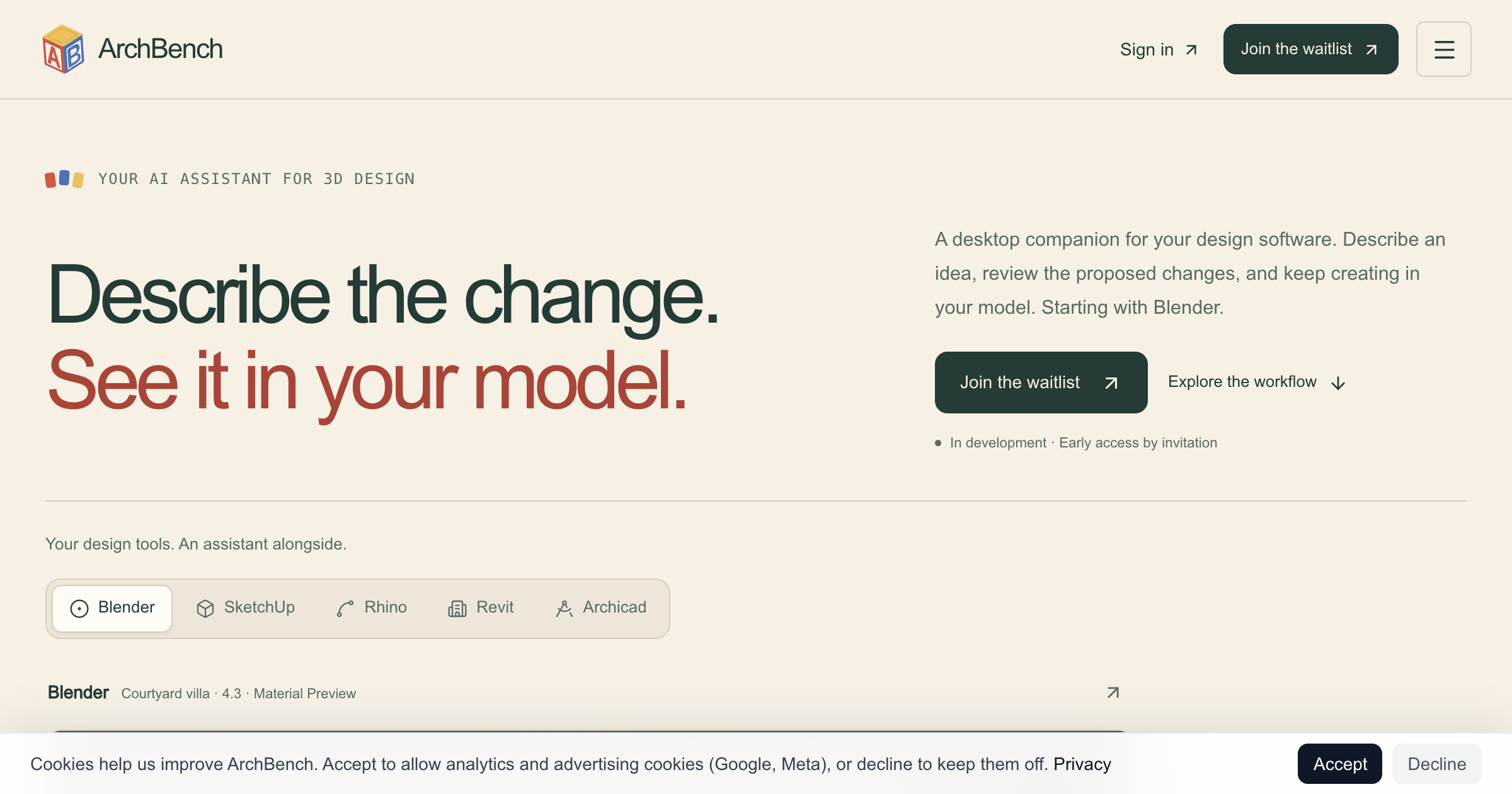
Desktop AI assistant for 3D modeling that reads the live scene in a connected design application, applies changes described in plain language, and shows a preview before anything is applied, with native undo in the host application. The Blender connection is in alpha on macOS and connections for SketchUp, Rhino and Grasshopper, Revit, and Archicad are planned
Vendor submission September 2026 from Edison Weng, who asked that the in-development status be kept in the listing. Record reflects that request.
Key strengths
- Reads live scene context from the connected modeling application rather than working from an exported file
- previews each change for review before it is applied and leaves it undoable in the host application
- uses GPT-6 Astra on paid accounts and GPT-5.6 Luna on free accounts
- publishes guided AEC workflows as mission graphs
Common use cases
Limitations to know
In development and not generally available. Only the Blender connection works today, in alpha on macOS, and the vendor states there is no qualified public SketchUp plugin, no announced release date, and no connector pricing. IFC data support and file-backed context such as briefs and PDFs are on the roadmap rather than shipping.
At a glance
- Category
- AI/ML
- Best for
- Architect, Designer, BIM Manager
- Project phase
- Concept, Schematic, DD
- Typology
- All typologies
- Pricing
- Early access by invitation with a waitlist; pricing not published
- Integrations
- Blender in alpha; SketchUp, Rhino and Grasshopper, Revit, and Archicad planned
Frequently asked questions about ArchBench
What is ArchBench?
Desktop AI assistant for 3D modeling that reads the live scene in a connected design application, applies changes described in plain language, and shows a preview before anything is applied, with native undo in the host application. The Blender connection is in alpha on macOS and connections for SketchUp, Rhino and Grasshopper, Revit, and Archicad are planned ArchBench is an AI/ML tool reviewed on AEC Hub.
Who is ArchBench for?
ArchBench is best suited for architect, designer, bim manager working in the concept and schematic and dd phases.
How much does ArchBench cost?
ArchBench pricing: Early access by invitation with a waitlist; pricing not published. Check the vendor's website for current details.
What are the key strengths of ArchBench?
Reads live scene context from the connected modeling application rather than working from an exported file. previews each change for review before it is applied and leaves it undoable in the host application. uses GPT-6 Astra on paid accounts and GPT-5.6 Luna on free accounts. publishes guided AEC workflows as mission graphs.
What are alternatives to ArchBench?
Top-rated AI/ML alternatives reviewed on AEC Hub include Claude (Anthropic), ChatGPT (OpenAI), Google Gemini.
Free AI strategy session for your firm
A 30-minute working session: your workflows, the right tools, and quick wins you can start this month. Free, no obligation.