AiN Engine
AICost EstimationLinks a Revit model to the bill of quantities, line by line
What is AiN Engine?
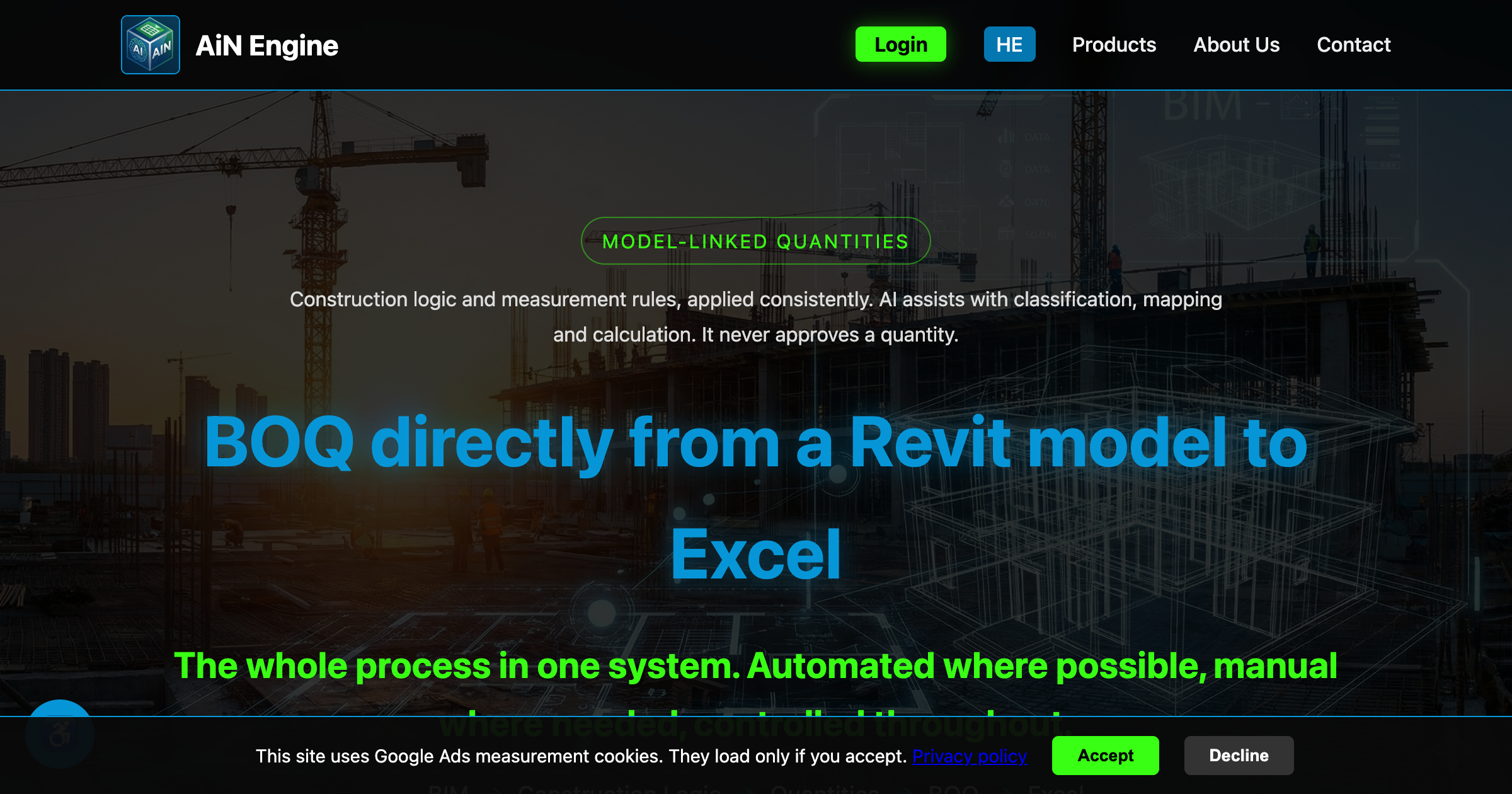
AiN is BOQ software for BIM models. It links a Revit model to the bill of quantities: click a BOQ line and see the model elements behind it. It takes quantities off the model, maps elements to BOQ items and exports to Excel, and every quantity keeps its source. It runs in the browser and is built for quantity surveyors, contractors and real estate developers. It was developed by a quantity surveyor and building technician.
Record written 2026-10-23 from the vendor's submission through the listing form. AIN ENGINE LTD, Israel.
Key strengths
- Two-way link: click a BOQ line to see its model elements, and the reverse
- Reads Revit (RVT), Navisworks (NWD, NWC) and IFC models through Autodesk Platform Services
- Excel export with the source and review status of every quantity
- Quality checks: clash detection and comparison with Revit schedules
- Browser-based model viewer, quantity dashboard and pivot
- Listed on the Autodesk App Store
Common use cases
Limitations to know
AI never sets or approves a quantity: it suggests, and a person approves. AiN does not invent quantities for anything that is not in the model. It reads models only and does not write data back to Autodesk Construction Cloud, BIM 360 or Autodesk Forma. Some Israeli-market workflows are currently in the Hebrew interface only. AEC Hub has not tested the product, and the details on this page are the vendor's.
At a glance
- Category
- Cost Estimation
- Best for
- Quantity Surveyor, Estimator, General Contractor, Contractor, Developer, BIM Manager
- Project phase
- Schematic, DD, CD, Construction
- Typology
- All typologies
- Pricing
- Free trial on the Autodesk App Store. Single-project pilot available. Prices are not published.
- Integrations
- Import: Revit (RVT), Navisworks (NWD, NWC) and IFC models through Autodesk Platform Services, from Autodesk Construction Cloud, BIM 360 or Autodesk Forma; Excel files. Export: Excel.
Frequently asked questions about AiN Engine
What is AiN Engine?
AiN is BOQ software for BIM models. It links a Revit model to the bill of quantities: click a BOQ line and see the model elements behind it. It takes quantities off the model, maps elements to BOQ items and exports to Excel, and every quantity keeps its source. It runs in the browser and is built for quantity surveyors, contractors and real estate developers. It was developed by a quantity surveyor and building technician. AiN Engine is a Cost Estimation tool reviewed on AEC Hub.
Who is AiN Engine for?
AiN Engine is best suited for quantity surveyor, estimator, general contractor, contractor, developer, bim manager working in the schematic and dd and cd and construction phases.
How much does AiN Engine cost?
AiN Engine pricing: Free trial on the Autodesk App Store. Single-project pilot available. Prices are not published.. Check the vendor's website for current details.
What are the key strengths of AiN Engine?
Two-way link: click a BOQ line to see its model elements, and the reverse. Reads Revit (RVT), Navisworks (NWD, NWC) and IFC models through Autodesk Platform Services. Excel export with the source and review status of every quantity. Quality checks: clash detection and comparison with Revit schedules. Browser-based model viewer, quantity dashboard and pivot. Listed on the Autodesk App Store.
What are alternatives to AiN Engine?
Top-rated Cost Estimation alternatives reviewed on AEC Hub include Kreo Software, Cedar, Ediphi.
Free AI strategy session for your firm
A 30-minute working session: your workflows, the right tools, and quick wins you can start this month. Free, no obligation.
More Cost Estimation tools
Kreo Software
AI construction takeoff and estimating software
View detailsCedar
Real-time construction cost forecasting and project intelligence
View detailsEdiphi
Ediphi connects historical cost modeling, conceptual and detailed estimating, general conditions, target-value tracking, bid packages, bid leveling, buyout, and reporting in one browser-based preconstruction platform.
View details